
Tech Myths That Keep Costing People Time and Battery Life

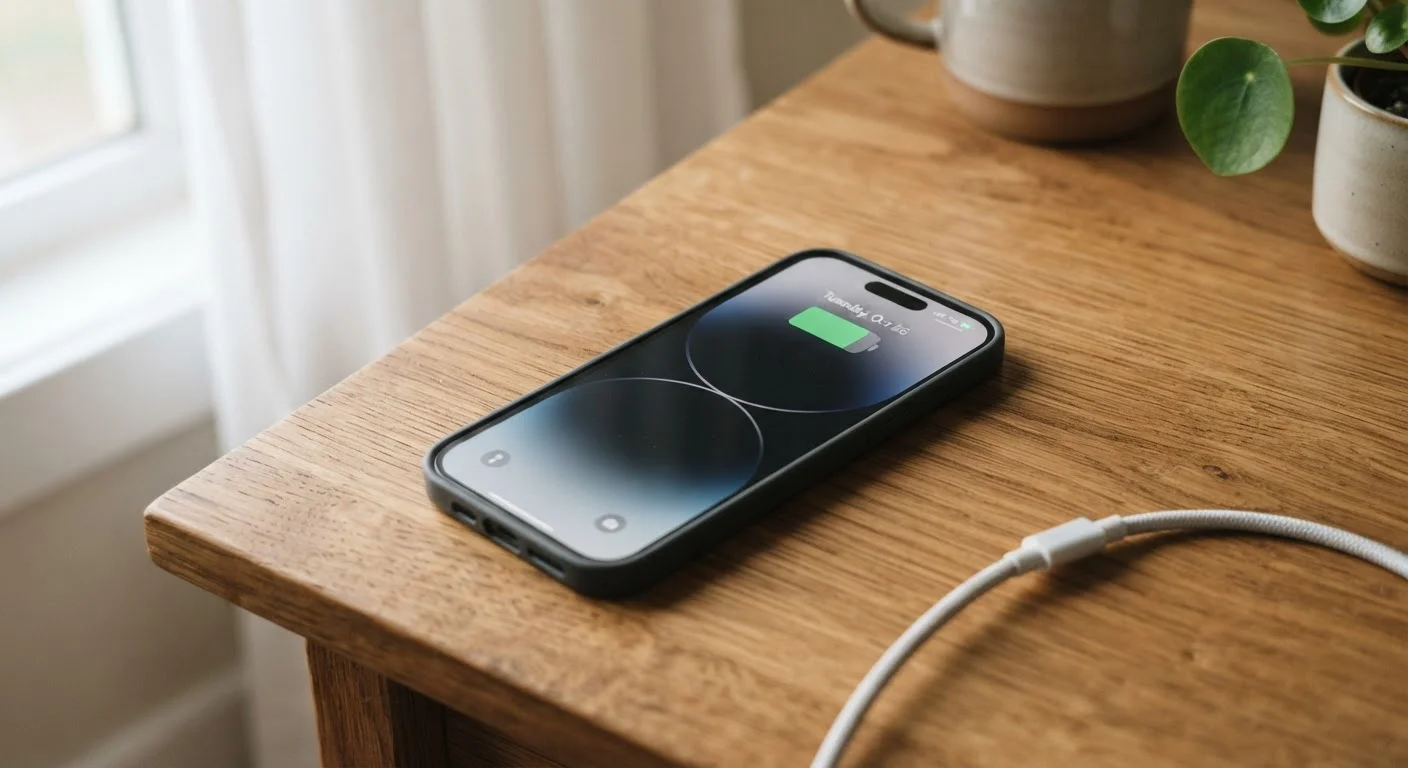
Photo: ConfiReads.com | Blogs For Inquisitive Minds editorial
Key Takeaways
- Force-closing apps on modern smartphones does not save battery life and may actually waste it.
- Overnight charging is safe on modern devices, which stop drawing power once fully charged.
- More bars of signal strength does not always mean faster or more reliable internet speeds.
- Putting your phone in rice after water damage is ineffective and can make things worse.
- Higher megapixel counts do not automatically produce better photos — sensor quality matters more.
Why Tech Myths Are So Sticky
Tech myths spread for a simple reason: they feel logical. Closing apps looks like tidying up. Leaving a phone plugged in overnight sounds like overloading a battery. These analogies come from older technology, and they made sense once — but today's devices work very differently from the gadgets of a decade ago.
The cost of acting on bad tech advice is real, even if it's subtle. You waste time on rituals that don't help, overlook habits that actually do cause damage, and may end up replacing devices sooner than necessary. Understanding what's true — and why — helps you get more from the devices you already own. See our maintenance habits guide for practical routines that actually work.
Myth
Force-closing apps saves battery life and makes your phone run faster.
Fact
On modern smartphones, force-quitting apps does not save battery and may actually use more power when you reopen them.
Both Android and iOS are designed to manage background apps efficiently. Suspended apps in the background use virtually no battery or processing power. When you force-quit and then reopen an app, the system has to fully reload it from scratch — which uses more CPU and battery than simply resuming a suspended app. Apple and Google have both confirmed this publicly. The habit feels productive, but it works against you.
Myth
Leaving your phone plugged in overnight will overcharge the battery and damage it.
Fact
Modern smartphones stop charging once they reach 100% — they cannot overcharge under normal conditions.
Lithium-ion batteries in today's phones include built-in charge controllers that cut off power input once the battery is full. Many phones, including recent iPhones and Android flagships, also include features like "Optimized Battery Charging" that learn your routine and delay topping off the final percentage until just before you wake up. Long-term battery wear is more closely tied to heat and repeated full-discharge cycles than to overnight charging. See how wired and wireless charging compare for more detail on what actually affects battery lifespan.
Myth
More bars of signal means faster data speeds.
Fact
Signal bars measure connection strength, not data throughput — you can have full bars and still experience slow speeds.
Signal bars indicate how well your phone is connecting to a nearby cell tower, but speed depends on how many users are sharing that tower, the type of network (4G LTE, 5G, etc.), and network congestion. A tower in a crowded stadium may show full bars while delivering slow speeds because hundreds of people are sharing the same bandwidth. Conversely, a tower with lighter load in a quieter area might deliver faster data with fewer visible bars. For a fuller picture of what connectivity labels actually mean, what 5G really changes is a useful companion.
Myth
Putting a wet phone in rice is the best way to dry it out.
Fact
Rice is not effective at drawing moisture from inside a phone and may introduce dust or starch particles into ports.
The rice remedy persists because it's easy and harmless-seeming, but studies and repair technicians consistently find it does little to remove moisture from internal components. Corrosion can begin within minutes of water exposure — far faster than rice can absorb ambient humidity. The better approach is to power the device off immediately, gently shake out excess water, pat it dry with a lint-free cloth, and leave it in a dry location with good airflow. If the device shows any sign of malfunction, take it to a professional rather than waiting days for rice to "work."
Myth
A camera with more megapixels always takes better photos.
Fact
Megapixel count is just one factor in photo quality — sensor size, lens quality, and image processing matter more in most conditions.
A megapixel measures how many individual pixels an image contains. More pixels allow for larger prints and more cropping flexibility, but they do not determine sharpness, color accuracy, or low-light performance. A phone with a smaller, high-quality sensor and advanced image processing can consistently outperform one with a higher megapixel count. Lens optics, aperture, and the computational photography software built into modern phones often have a larger impact on the final image than raw pixel count.
The Battery Myths That Drain Your Time
Battery anxiety is one of the most fertile grounds for tech misinformation. Because battery degradation is invisible until it's significant, it's easy to believe a ritual is working when the connection is simply coincidental.
~500
Full charge cycles before significant battery wear
Battery manufacturers generally rate lithium-ion cells for around 500 full charge cycles before capacity drops noticeably, making charge habits over months matter more than any single night.
80–20
Optimal battery charge range for longevity
Battery researchers commonly recommend keeping lithium-ion batteries between 20% and 80% charge to reduce chemical stress and slow long-term degradation.
If you want a deeper look at how charging method affects long-term battery health, the wired vs. wireless charging breakdown covers that in detail. And if fast charging has you curious, common fast-charging misconceptions is worth a read.
Heat Is the Real Battery Villain
Storage myths also sneak into battery conversations. People who routinely delete photos and apps to "free up battery" are solving the wrong problem. The storage guide explains what actually consumes space and what doesn't.
What the Myths Cost You — and What to Do Instead
Each myth carries a hidden tax on your time or device health. Force-quitting apps wastes several seconds multiple times a day and contributes to faster battery drain. Avoiding overnight charging means plugging in anxiously throughout the day, often in shorter bursts that can put more stress on the battery than a single overnight session would.
Software Updates Are a Real Performance Fix
The better approach is simple: charge when convenient, avoid letting the battery drop to zero habitually, keep your operating system updated, and stop the rituals that only feel productive. For a broader look at habits worth building — and ones worth dropping — device longevity habits is a practical next step. Myths cost more than most people realize. Accurate information is the cheapest upgrade available.
The content on this site is for informational purposes only and is not a substitute for professional advice. Always consult a qualified professional for guidance specific to your situation.