
Keeping Your Devices Running Fast: Maintenance Habits That Actually Work

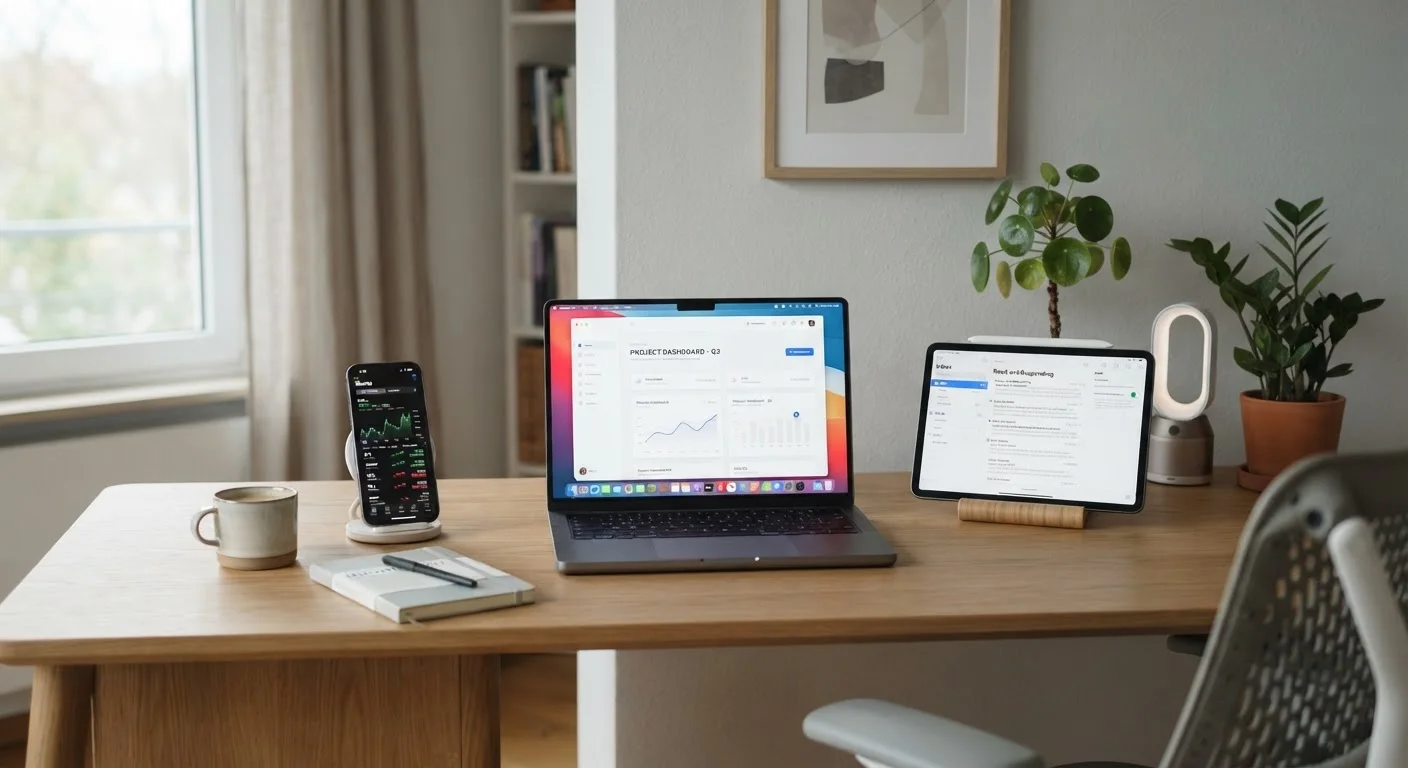
Photo: ConfiReads.com | Blogs For Inquisitive Minds editorial
Key Takeaways
- Restarting your device weekly clears memory and resolves many common slowdowns without any technical knowledge.
- Keeping storage below 80% full is one of the most effective ways to preserve device speed.
- Software updates do more than add features — they fix performance bugs and security vulnerabilities.
- Background app activity is a hidden cause of sluggishness that's easy to manage in device settings.
- Most maintenance habits take under five minutes and require no special tools or expertise.
Why Devices Slow Down Over Time
It's easy to assume a sluggish phone or laptop just needs to be replaced, but most slowdowns have straightforward causes: accumulated temporary files, low storage, outdated software, or apps quietly running in the background. None of these require a trip to a repair shop to fix.
Understanding what actually causes sluggishness puts you in control. The Devices & Gadgets hub covers a broad range of everyday electronics topics, and speed maintenance is one of the most practical skills covered. Think of your device like any other tool in your home — it performs better with routine upkeep than with sporadic emergency fixes.
The habits below apply broadly to smartphones, tablets, and laptops regardless of brand or operating system.
Core Maintenance Habits That Make a Real Difference
These aren't one-time fixes — they're repeatable routines that compound over time to keep your devices feeling responsive.
Restart your device at least once a week
Keep internal storage below 80% capacity
Install software and operating system updates promptly
Audit and limit background app permissions
Clear your browser cache and tabs regularly
Quick Wins You Can Do Right Now
You don't have to overhaul your habits all at once. A few targeted actions today can produce noticeable results almost immediately.
If your device is consistently slow despite these steps, it's worth checking whether the issue is something more specific — such as storage being nearly full or a particular app misbehaving. Our article on what's actually using your storage can help you dig deeper. And if you're unsure whether slowness points to malware, see when a slow computer means malware.
Habits to Pair With Speed Maintenance
Speed and longevity are closely related. Many behaviors that degrade performance also shorten a device's overall lifespan. Reviewing habits that quietly shorten device life is a natural next step once you've established a maintenance routine.
Maintenance Works Best as a Routine
Security and performance also go hand in hand — a device infected with malware or weighed down by browser extensions can run significantly slower. The guide on keeping your devices secure outlines steps that protect both your data and your device's responsiveness.
Finally, some popular beliefs about device care — like the idea that force-quitting apps saves battery — actually work against you. See tech myths that cost people time and battery life to separate fact from fiction.
The content on this site is for informational purposes only and is not a substitute for professional advice. Always consult a qualified professional for guidance specific to your situation.