
Keeping Your Devices Secure: What Every Everyday User Should Have in Place

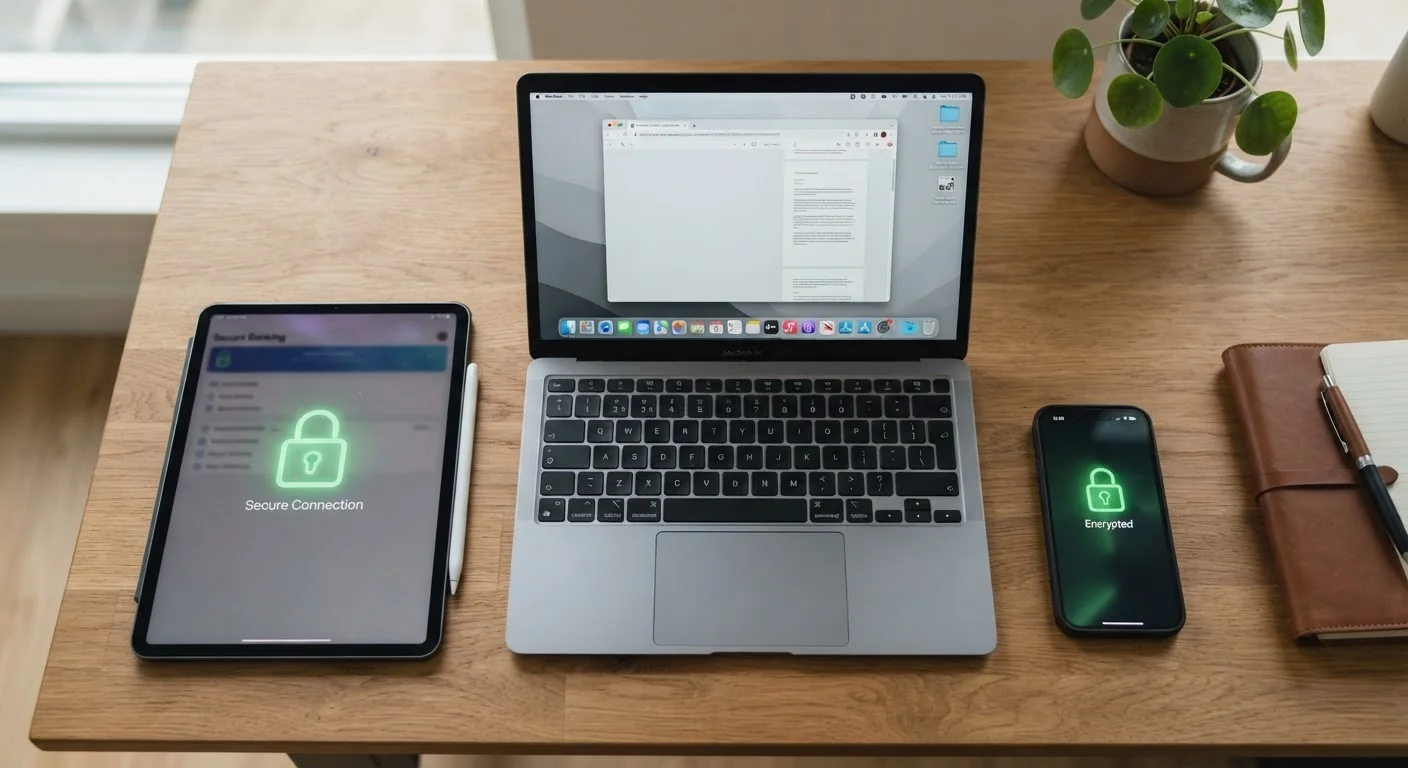
Photo: ConfiReads.com | Blogs For Inquisitive Minds editorial
Key Takeaways
- Keeping software updated is the single most effective step against common security threats.
- Strong, unique passwords combined with two-factor authentication block the majority of unauthorized access attempts.
- Regular backups ensure you never permanently lose important data if a device is stolen or compromised.
- Lock screens and device encryption protect your data even if your phone or laptop is physically lost.
- Reviewing which apps have access to your location, camera, and contacts limits unnecessary data exposure.
Why Device Security Matters for Everyday Users
You don't have to be a corporate IT manager to be a target. Stolen login credentials, ransomware, and data-harvesting apps affect ordinary consumers every day. Most successful attacks exploit simple, fixable gaps - outdated software, weak passwords, no screen lock - rather than sophisticated technical vulnerabilities.
The good news is that a handful of consistent habits addresses the vast majority of real-world risk. None of these practices require technical skill; they just require knowing what to do and following through. Our Tech Tips & How-Tos hub covers many of these fundamentals in plain language if you want to explore further.
Enable automatic software updates on every device you own.
Use a strong, unique password for every account, managed through a reputable password manager.
Turn on two-factor authentication (2FA) for email, banking, and social accounts.
Set a strong lock screen PIN, password, or biometric lock on every phone and laptop.
Audit app permissions quarterly - revoke access your apps don't genuinely need.
Back up your devices automatically to both a cloud service and a local drive.
Quick Actions You Can Take Today
You don't need to overhaul everything at once. A few targeted moves right now will meaningfully improve your security posture within minutes. If you also want to protect the network your devices connect to, see our companion guide on keeping your home network secure.
Backing Up and Staying Informed
Security isn't only about keeping attackers out - it's also about recovering quickly when something goes wrong. A device can be lost, stolen, or simply fail without warning. Regular backups are your safety net. For a step-by-step walkthrough on setting this up, see Backing Up Your Phone Before It's Too Late.
It's also worth periodically reviewing your app permissions. Our guide to settings most people never touch surfaces useful controls for privacy and security that are easy to miss. And if you store files online, understanding what cloud storage actually does helps you decide what's safe to keep there.
Security and Device Longevity Go Hand in Hand
This article is for general informational purposes only. Security recommendations evolve as threats change; consult your device manufacturer's support resources or a qualified IT professional for guidance specific to your situation.
The content on this site is for informational purposes only and is not a substitute for professional advice. Always consult a qualified professional for guidance specific to your situation.