
Home Internet Basics for First-Time Subscribers

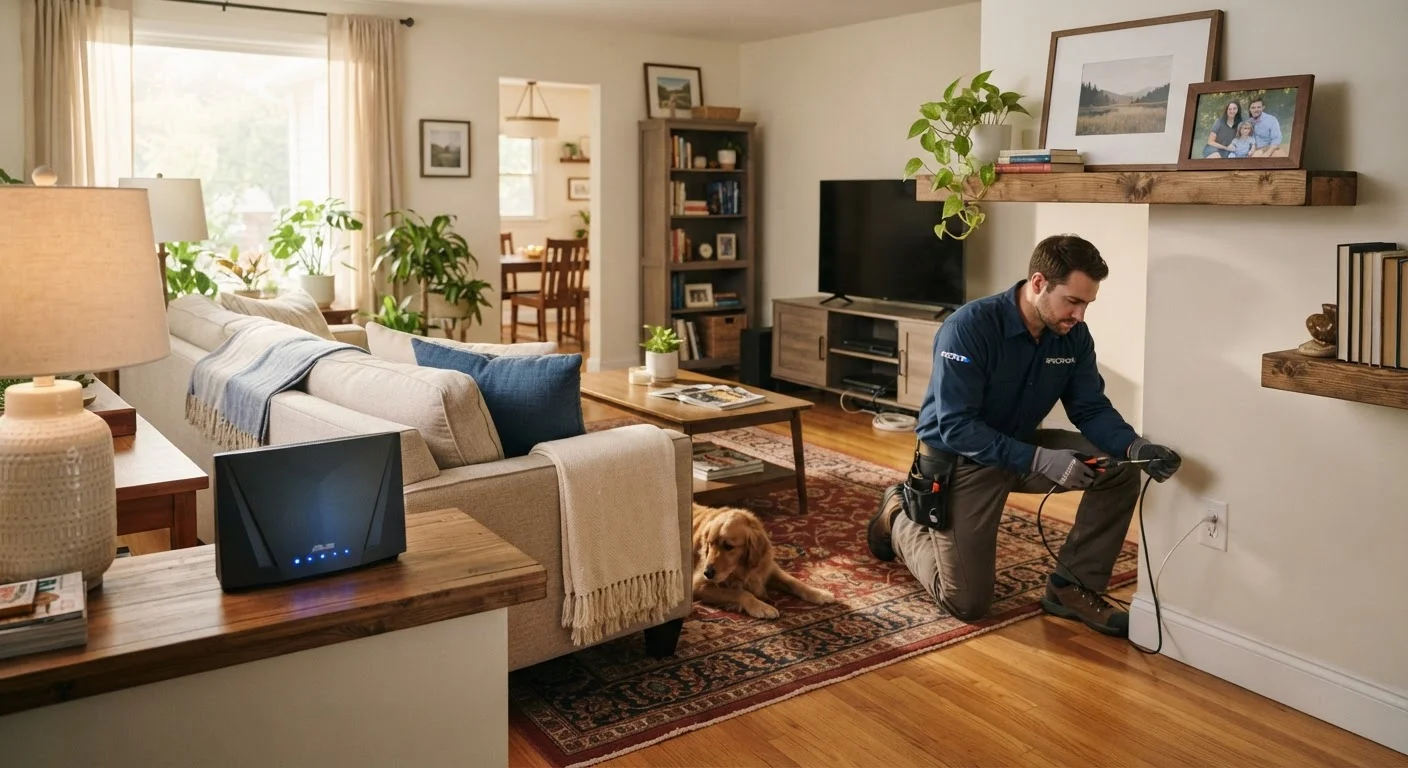
Photo: ConfiReads.com | Blogs For Inquisitive Minds editorial
Key Takeaways
- Your connection type — cable, fiber, DSL, or satellite — affects speed and reliability more than any plan tier.
- ISP promotional pricing typically lasts 12–24 months; the regular rate is often significantly higher.
- You can usually rent equipment from your ISP or buy your own — owning often saves money over time.
- Installation can be self-serve or technician-assisted; knowing which applies to you avoids surprise fees.
- Terms like "up to" speeds and "data caps" have real impacts on your monthly experience and bill.
Understanding Connection Types
Before you pick a plan, you need to know what type of internet connection reaches your home — because not every technology is available everywhere, and the type you get shapes everything from speed to reliability.
The four main types in U.S. homes are:
- Cable: Delivered over the same coaxial lines as cable TV. Widely available in suburbs and cities, with solid speeds for most households.
- Fiber: Uses light signals over fiber-optic cables. Generally the fastest and most consistent option, but not yet available in all areas.
- DSL: Runs over traditional phone lines. Slower than cable or fiber, but often the only wired option in rural or older neighborhoods.
- Satellite: Beamed from orbit to a dish at your home. Reaches areas with no ground-based infrastructure, though it can have higher latency and weather sensitivity.
A newer option, fixed wireless, transmits signals from a nearby tower to a receiver at your home — worth asking about in areas underserved by cable or fiber.
For a deeper comparison of how each technology performs day-to-day, see our side-by-side connection type breakdown.
ISP
An Internet Service Provider — the company that sells you access to the internet and maintains the infrastructure that delivers it to your home.
Modem
A device that connects your home to your ISP's network. It translates the signal from the outside line into something your home devices can use.
Router
A device that takes the internet connection from your modem and distributes it wirelessly (Wi-Fi) or through wired ports to your devices.
Bandwidth
The maximum capacity of your internet connection — how much data can flow through it at once. More bandwidth means more devices can run simultaneously without slowdowns.
Latency
The delay (measured in milliseconds) it takes for data to travel from your device to a server and back. Lower latency means a more responsive connection.
Data Cap
A monthly limit on how much internet data you can use before your ISP slows your speeds or charges you extra.
Decoding ISP Contracts and Plans
Internet service providers — called ISPs — offer plans with varying speeds, prices, and contract terms. A few things to watch carefully:
Promotional vs. Regular Pricing
The price advertised is almost always an introductory rate that expires after 12 or 24 months. Ask the ISP what the standard rate will be after the promotional period ends before you commit.
Contract Length
Some plans are month-to-month; others lock you in for one or two years with an early termination fee (ETF) if you leave early. Month-to-month plans offer flexibility but sometimes cost more per month.
Data Caps
Many cable plans include a monthly data cap — often around 1 TB. Exceeding it can trigger overage charges or throttled speeds. Fiber plans are more likely to be truly unlimited.
For a plain-language explanation of what plan tiers actually mean, our Home Internet Plans, Decoded guide covers this in detail.
Watch for the Post-Promo Price Jump
Equipment: What You Need and What You Can Skip
You need two core devices to get online: a modem (which connects your home to the ISP's network) and a router (which distributes that connection as Wi-Fi and wired ports inside your home). Many ISPs offer a combined gateway device that does both.
Rent vs. Buy
ISPs typically charge $10–$15 per month to rent their equipment. Purchasing a compatible modem and router outright usually costs $100–$200 total — meaning you break even within a year. Check your ISP's approved device list before buying anything.
What You Can Skip
You do not need a landline phone, a cable TV subscription, or any ISP-branded add-on services to get basic internet. Bundle deals can be convenient, but they're rarely the cheapest path if you only need internet.
Buy Your Own Equipment When You Can
Once you're connected, your router setup and home network configuration matter just as much as the plan you chose. Our home networking guide walks through routers, Wi-Fi bands, and security in plain English.
What to Expect on Installation Day
Installation is either self-install (the ISP ships you a kit and you plug everything in) or professional installation (a technician comes to your home). Which one applies depends on the ISP, your connection type, and whether your address already has active infrastructure.
- Self-install kits typically arrive within a few days of signing up. The kit includes a modem or gateway, cables, and step-by-step instructions.
- Professional installs are common for fiber connections or homes that need new wiring. The technician will locate or install a wall outlet, connect equipment, and test your signal.
- Plan for a 2–4 hour window if a technician is coming — appointments often run with some variability.
Ask your ISP upfront whether there is a separate installation fee, and whether it's waived for self-install.
Apartment and Condo Residents: Check First
Terms ISPs Use That Nobody Explains
ISP marketing and contracts are full of terms that sound straightforward but carry specific — and sometimes surprising — meanings.
- "Up to" speeds
- Advertised speeds are maximums, not guarantees. Real-world speeds at your device are typically lower due to network congestion, router placement, and the number of devices connected. Our article on why your internet is slower than advertised explains each loss point clearly.
- Download vs. Upload
- Download speed covers streaming, browsing, and loading content. Upload speed matters for video calls, file sharing, and gaming. Most plans offer much faster download than upload — check both before signing.
- Latency
- How long it takes a signal to travel from your device to a server and back, measured in milliseconds (ms). Low latency matters most for gaming and video calls. Satellite connections tend to have higher latency than cable or fiber.
- Bandwidth
- The total capacity of your connection, not a speed measurement. Think of it as the width of a pipe — more bandwidth means more devices can use the connection simultaneously without slowing each other down.
For a full glossary of networking terms written for non-technical readers, see Common Networking Terms, Defined in Plain English.
FCC Broadband Map
The Federal Communications Commission's official map lets you search available internet providers and connection types by address — a reliable starting point for first-time subscribers.
Home Internet Plans, Decoded
A plain-language breakdown of cable, fiber, DSL, and satellite plans for U.S. households — useful for understanding what you're actually buying before you sign a contract.
Common Networking Terms, Defined in Plain English
A reference glossary covering bandwidth, latency, SSID, and other terms that show up in ISP contracts and router settings, written for non-technical readers.
Frequently Asked Questions
The content on this site is for informational purposes only and is not a substitute for professional advice. Always consult a qualified professional for guidance specific to your situation.