
Home Internet Plans, Decoded

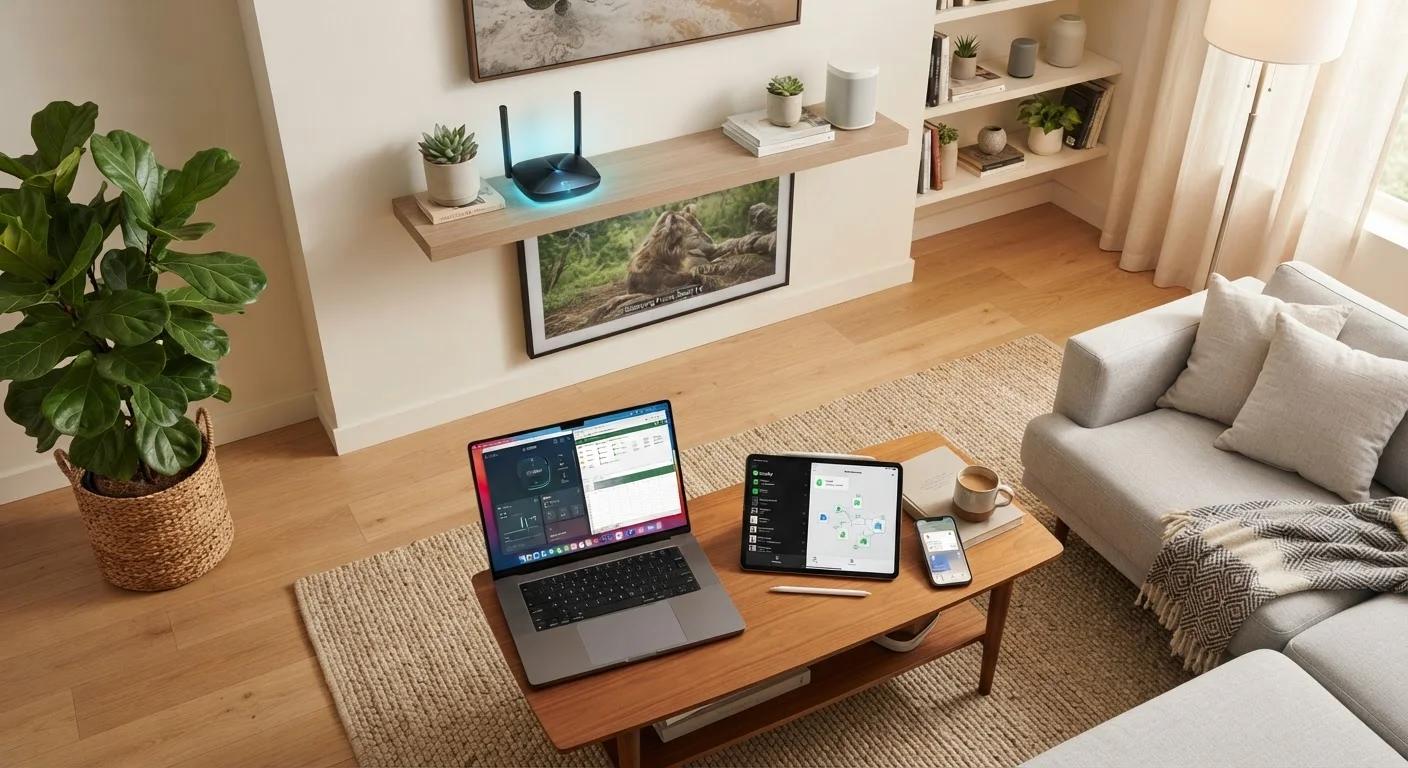
Photo: ConfiReads.com | Blogs For Inquisitive Minds editorial
Key Takeaways
- Four major connection types dominate U.S. homes: DSL, cable, fiber, and satellite — each with distinct trade-offs.
- Fiber delivers the fastest and most consistent speeds but isn't available everywhere in the U.S.
- Cable is the most widely available broadband option in urban and suburban areas.
- Satellite internet reaches rural areas where other options don't exist, but typically comes with higher latency.
- Advertised speeds and real-world speeds often differ — always check reviews for your specific area.
- Your household's usage habits should drive your plan choice, not just price.
The Four Major Types of Home Internet
When you shop for a home internet plan, the technology carrying your signal matters as much as the price tag. Here's what each main type actually means for your household.
DSL (Digital Subscriber Line)
DSL runs over existing copper telephone lines. It's widely available in areas with landline phone infrastructure, but speeds drop the farther your home sits from the provider's hub. DSL is typically slower than cable or fiber, making it better suited to light browsing and email than heavy streaming or large file transfers.
Cable
Cable internet uses the same coaxial cable infrastructure that delivers TV signals. It's broadly available in suburban and urban America and offers speeds fast enough for most household needs. The catch: cable bandwidth is shared among neighbors in your area, so speeds can dip during peak evening hours.
Fiber
Fiber-optic internet transmits data as pulses of light through glass or plastic strands. It's the fastest and most consistent technology available to consumers today, with symmetrical upload and download speeds on many plans. Availability is expanding but still lags behind cable, particularly outside major metro areas.
Satellite
Satellite internet beams a signal between your home dish and a satellite in orbit. Traditional geostationary satellite covers the most remote areas but carries noticeable latency — the delay caused by signals traveling tens of thousands of miles into space and back. Newer low-earth-orbit (LEO) satellite services have significantly reduced that latency gap.
For a detailed side-by-side performance comparison, see our full connection type comparison.
~94%
U.S. households with fixed broadband access
According to FCC broadband data, the vast majority of Americans have at least one fixed broadband option at their address, though speeds and types vary widely.
~43%
Rural Americans lacking high-speed access
The FCC and USDA have both reported that access gaps disproportionately affect rural communities, where cable and fiber buildout remains limited.
100 Mbps
FCC's updated broadband speed benchmark
In 2024, the FCC updated its definition of broadband to 100 Mbps download / 20 Mbps upload, replacing the decade-old 25/3 Mbps standard.
How to Match a Plan to Your Household
Speed tiers and price points only tell part of the story. The right plan depends on how many people are in your home, what they do online, and what infrastructure actually reaches your address.
Estimate Your Speed Needs
A single person working from home and streaming video in the evenings can function well on 100 Mbps. A household with four or more people running simultaneous video calls, 4K streams, and smart-home devices will feel the strain at that same tier. As a general rule, add 25 Mbps per heavy user when estimating your needs.
Check Actual Local Availability
Advertised coverage maps from ISPs are often optimistic. Before committing, search your specific address with each carrier and cross-check with neighbors' experiences. Local online community boards frequently surface real-world speed and reliability data that marketing materials won't mention.
Watch for Data Caps
Some plans — especially DSL and satellite — impose monthly data caps. Exceeding the cap can trigger throttled speeds or overage charges. If your household streams frequently or works from home, prioritize plans labeled as unlimited or confirm that soft caps won't affect your typical usage patterns.
Test Before You Commit
Once you've chosen a plan, understanding how your modem and router interact with it will help you get full value from the connection. Our modem vs. router explainer breaks that down clearly.
Terms You'll See on Every Plan Page
ISPs use a consistent set of terms that can feel like jargon until you know what they actually mean in practice.
- Download speed: How fast data arrives at your devices. Governs streaming, browsing, and app loading.
- Upload speed: How fast your device sends data out. Critical for video calls, cloud storage, and sharing large files.
- Latency (ping): The delay between sending a request and receiving a response, measured in milliseconds. Lower is better — especially for gaming and video calls.
- Bandwidth: The total data capacity of your connection at a given moment, often used interchangeably with speed in consumer plans.
- Data cap / data threshold: A monthly limit on total data transferred. Exceeding it may result in extra charges or reduced speeds.
For a complete glossary of networking vocabulary written without technical assumptions, visit our plain-English networking terms guide.
Speeds Are Always "Up To"
If this is your first time setting up a home internet plan, our first-time subscriber guide walks through contracts, equipment rental fees, and installation — the details ISPs rarely volunteer upfront.
Frequently Asked Questions
The content on this site is for informational purposes only and is not a substitute for professional advice. Always consult a qualified professional for guidance specific to your situation.