
Common Networking Terms, Defined in Plain English

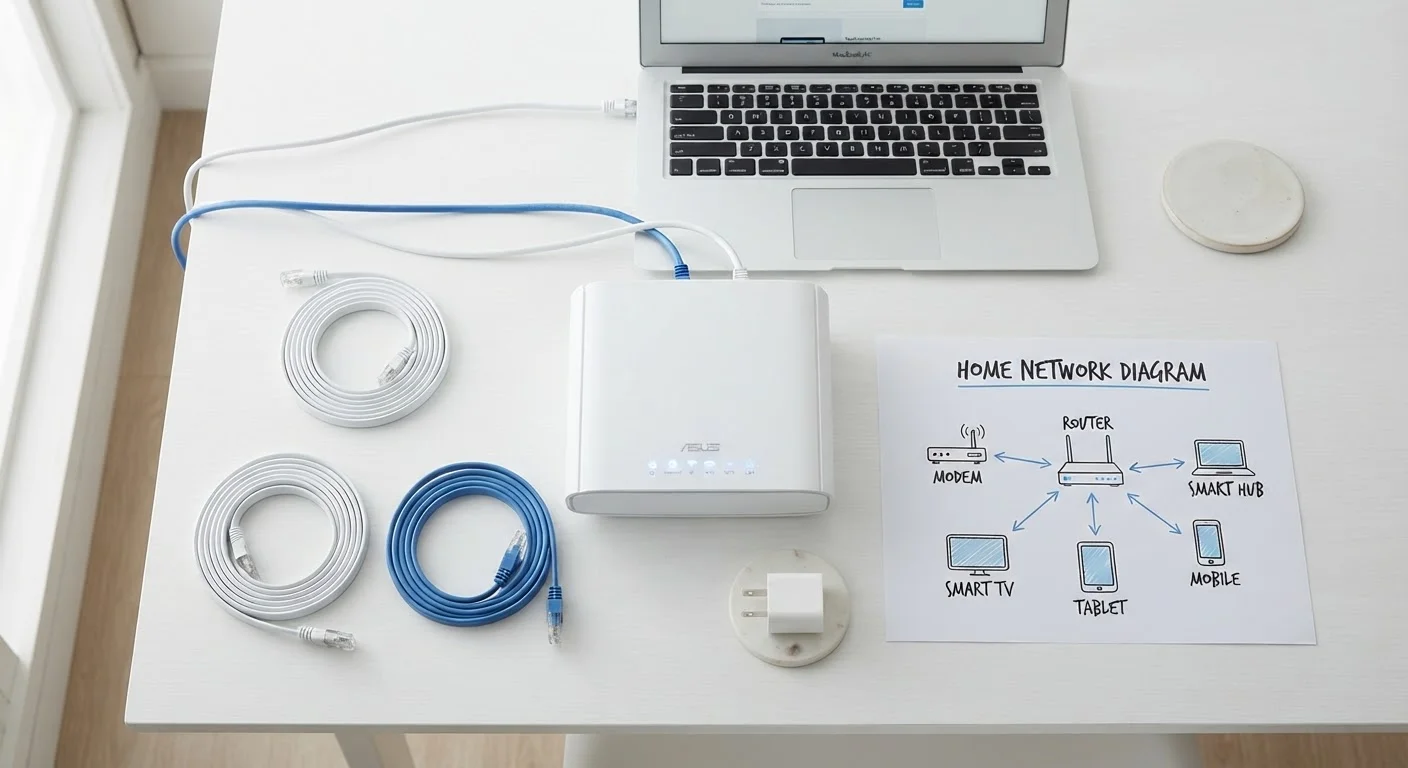
Photo: ConfiReads.com | Blogs For Inquisitive Minds editorial
Why These Terms Keep Coming Up
Whether you're shopping for a new internet plan, setting up a router, or calling your ISP about a slow connection, you'll run into technical vocabulary that rarely gets explained. This reference glossary covers the terms that appear most often in home networking - defined in plain language, without assuming an IT background.
Think of this as a companion to our broader guide on home networking essentials and a quick lookup you can return to whenever a term stops you cold. If you're still choosing a plan, Home Internet Plans, Decoded covers the service-side vocabulary in the same plain-English style.
Bandwidth
The maximum amount of data your connection can transfer per second - typically measured in Mbps (megabits per second) or Gbps (gigabits per second). Higher bandwidth means more data can move at once, which matters most when multiple devices are active simultaneously.
Latency
The time it takes for a data packet to travel from your device to a server and back, measured in milliseconds (ms). Low latency is critical for video calls, online gaming, and real-time applications; high latency causes noticeable delay or 'lag.'
SSID
Service Set Identifier - the name your Wi-Fi network broadcasts so nearby devices can detect and connect to it. You can change your SSID to anything you like in your router's settings.
NAT
Network Address Translation. A technique routers use to let all devices on your home network share a single public IP address, while assigning each device its own private address internally.
IPv4 / IPv6
The two generations of the Internet Protocol addressing system. IPv4 uses 32-bit addresses (e.g., 192.168.1.1) and is running out of unique values. IPv6 uses 128-bit addresses, providing enough unique addresses for every device imaginable.
DNS
Domain Name System. The internet's address book - it translates domain names (like a website address) into the IP addresses computers use to actually locate and connect to servers.
WPA3
Wi-Fi Protected Access 3, the current standard for encrypting wireless network traffic. It replaced WPA2 and offers improved resistance to brute-force password attacks.
Firewall
A security system - built into your router or run as software - that monitors and filters network traffic based on predefined rules, blocking unauthorized access while letting legitimate traffic through.
Throughput
The actual data transfer rate your connection achieves under real-world conditions, as opposed to the advertised maximum bandwidth. Throughput is almost always lower than the headline speed due to network congestion, distance, and interference.
VPN
Virtual Private Network. A service that encrypts your internet traffic and routes it through a server in another location, masking your IP address and making it harder for third parties to monitor your activity.
DHCP
Dynamic Host Configuration Protocol. The system your router uses to automatically assign a private IP address to each device that joins your network, so you don't have to configure addresses manually.
Ping
A simple test that measures latency by sending a small data packet to a server and timing how long it takes to return. A lower ping result means a more responsive connection.
Key Metrics: Speed, Capacity, and Delay
These are the numbers your ISP advertises and the figures that most directly affect your day-to-day experience.
| Typical broadband download speed (U.S. FCC definition) | 25 Mbps minimum (FCC Broadband Speed Benchmark) |
| Good latency for video calls | Under 150 ms (General industry guidance) |
| Good latency for online gaming | Under 50 ms (General industry guidance) |
| Maximum theoretical IPv4 unique addresses | ~4.3 billion (IANA technical standard) |
| IPv6 address space | ~340 undecillion (IETF RFC 2460) |
| Current recommended Wi-Fi security standard | WPA3 (Wi-Fi Alliance, ongoing) |
Understanding the difference between bandwidth and latency alone will help you interpret most ISP marketing claims. A plan with high bandwidth but poor latency can still feel sluggish for video calls or gaming, even though the raw download number looks impressive. If you're seeing those numbers for the first time on a provider's website, Home Internet Basics for First-Time Subscribers walks through how ISPs present - and sometimes obscure - these figures.
Advertised Speed vs. What You Actually Get
Network Infrastructure: Routers, Modems, and Addresses
These terms describe the physical and logical structure of your home network - the hardware you own and the addressing system that keeps traffic sorted.
Modem vs. Router: A modem connects your home to your ISP's network. A router distributes that connection to all your devices and manages local traffic. Many ISPs supply a combined unit, but they serve two distinct functions. Your SSID (Service Set Identifier) is simply the name you see when you scan for Wi-Fi - it's broadcast by your router so devices can find and join your network.
IP Addresses and NAT: Every device on the internet needs a unique numerical address (an IP address) to send and receive data. Because there aren't enough IPv4 addresses for every device on earth, routers use NAT (Network Address Translation) to let many devices share a single public address. IPv6 was developed to solve that shortage permanently by providing a vastly larger address space - most modern hardware and ISPs support it, though IPv4 remains widespread. For a broader look at device specification terminology, see The Language of Gadget Specs.
~4.3B
Total possible IPv4 addresses - now exhausted globally
The Internet Assigned Numbers Authority (IANA) distributed its last IPv4 address blocks in 2011, driving the adoption of IPv6.
25 Mbps
U.S. FCC minimum download speed defining 'broadband'
The FCC has used 25 Mbps download / 3 Mbps upload as its broadband benchmark; proposals to raise this threshold have been discussed in recent years.
Understanding these building blocks helps you interpret error messages, configure port forwarding, or diagnose why one device can reach the internet while another can't.
Security and Protocol Basics
Networking security has its own vocabulary, and knowing a few core terms helps you make smarter choices about protecting your home network.
WPA2 / WPA3 are Wi-Fi encryption standards. WPA3 is the current generation and offers stronger protection against password-guessing attacks. If your router's security setting still shows WEP or WPA (original), upgrading is strongly advisable. Firewall refers to software or hardware that filters incoming and outgoing traffic based on rules - your router almost certainly has one built in. A DNS (Domain Name System) server translates human-readable web addresses like example.com into IP addresses that computers actually use; your ISP assigns one by default, but you can change it. VPN (Virtual Private Network) encrypts your traffic and routes it through a server elsewhere, masking your activity from your ISP and others on the network.
For tech terminology that extends beyond networking into devices and manuals, The Terms in Every Tech Manual, Decoded is a useful companion reference.
The content on this site is for informational purposes only and is not a substitute for professional advice. Always consult a qualified professional for guidance specific to your situation.