
Reasons Your Internet Is Slower Than What You're Paying For

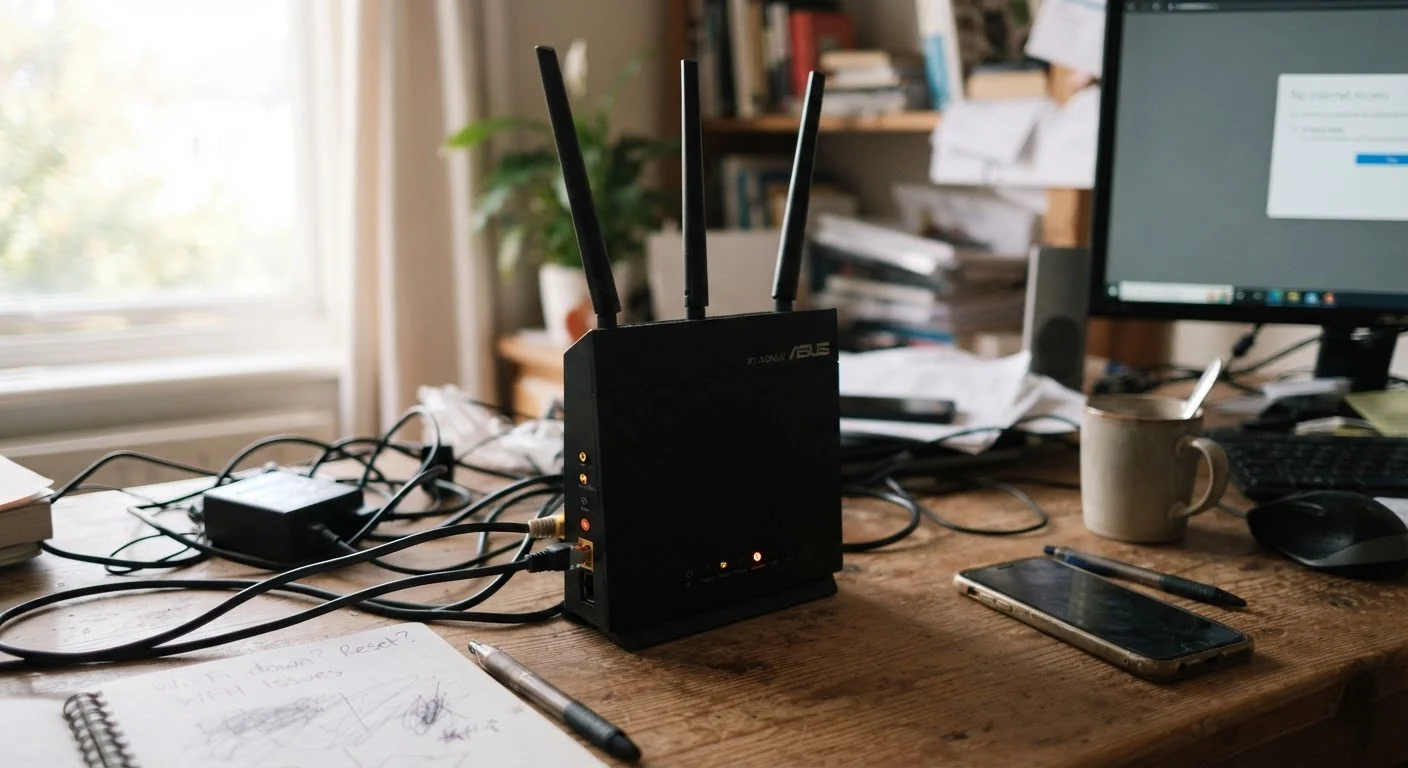
Photo: ConfiReads.com | Blogs For Inquisitive Minds editorial
Key Takeaways
- ISPs advertise maximum theoretical speeds, not the real-world speeds most households receive.
- Your router, modem age, and device placement are often bigger bottlenecks than your ISP.
- Network congestion during peak hours regularly reduces speeds on cable and DSL connections.
- A wired Ethernet connection almost always outperforms Wi-Fi at the same plan speed.
- Running a speed test correctly — on the right device and at the right time — is essential before complaining to your ISP.
Why the Gap Between Advertised and Actual Speeds Exists
If you've ever paid for a 500 Mbps plan and watched a speed test return 180 Mbps, you're not alone — and you're not necessarily being cheated. The speed printed on your ISP's plan page describes a theoretical ceiling under perfect conditions. Between that ceiling and your laptop screen sit several potential bottlenecks, most of which have nothing to do with your provider.
Understanding where speed is actually lost puts you in a much better position to fix it — or to make an informed case to your ISP when the problem genuinely is on their end. For a broader look at how different connection technologies handle speed and reliability differently, see our side-by-side comparison of DSL, cable, fiber, satellite, and fixed wireless.
Advertised Speeds Are Not Guaranteed
The Most Common Mistakes That Slow Your Connection
The following errors account for the majority of real-world speed complaints in American households. Each one is fixable — some in minutes, some with a modest equipment investment.
Testing speed on Wi-Fi and assuming the result reflects your plan's full capability.
Using an outdated modem or router that can't handle your current plan's speed tier.
Placing the router in a closet, corner, or cabinet that blocks signal coverage.
Ignoring peak-hour congestion on shared network types like cable and DSL.
Assuming more devices on the network don't affect speed for individual users.
Not restarting the modem and router when speeds drop, and skipping basic troubleshooting.
~80%
Actual vs. advertised speed ratio on cable
FCC Measuring Broadband America reports consistently show cable subscribers receiving roughly 80–100% of advertised speeds during off-peak hours, with measurable drops during evening congestion windows.
5–7 years
Typical useful life of a home router
Consumer hardware analysts generally recommend replacing home routers every five to seven years to keep pace with evolving Wi-Fi standards and security patches.
30–50%
Speed loss through walls and distance
Wi-Fi signal strength and throughput can drop by 30–50% or more when passing through a single interior wall or over a distance of 30 feet, depending on building materials.
If you're seeing consistent slowdowns specifically in the evenings, that pattern points to a specific and well-documented cause. Our article on why Wi-Fi slows down at night explains the mechanics in detail.
Old Equipment Can Cap Your Speed
What You Can Actually Control — and What You Can't
Several of the biggest speed factors are entirely within your control: your router's age, its placement, the number of active devices, and whether you're testing over Wi-Fi or a wired connection. Fixing these costs little or nothing and can produce dramatic improvements.
What you can't control is your ISP's infrastructure capacity in your neighborhood, or the physical limits of your connection type. Cable broadband uses shared neighborhood infrastructure; fiber does not. If you've ruled out every in-home issue and speeds remain consistently far below your plan's advertised rate — especially on a wired connection — that's the appropriate time to contact your provider and document your speed-test results as evidence.
If your internet drops intermittently rather than running slowly all the time, the diagnosis changes. Our guide on what to check when Wi-Fi keeps dropping walks through a logical sequence of checks for that specific problem. And for a deeper look at how internet plan marketing often sets unrealistic expectations, see Internet Speed Myths That Cost People Real Money.
The content on this site is for informational purposes only and is not a substitute for professional advice. Always consult a qualified professional for guidance specific to your situation.