
Modem vs. Router: The Difference Every Renter and Homeowner Should Know

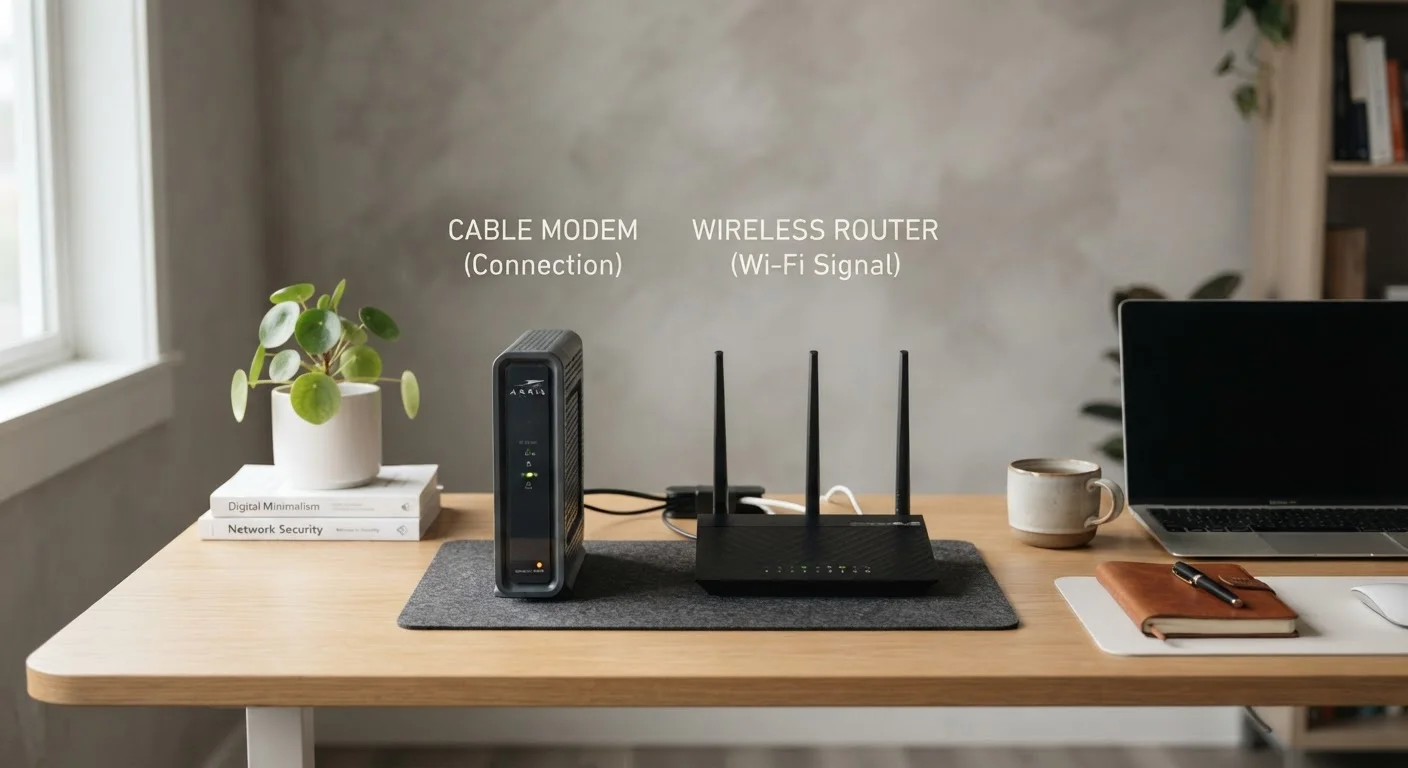
Photo: ConfiReads.com | Blogs For Inquisitive Minds editorial
Key Takeaways
- A modem translates your ISP's signal into data your home network can use.
- A router distributes that data to every device in your home via Wi-Fi or ethernet.
- You need both — but some devices combine them into a single unit called a gateway.
- Renting equipment from your ISP is convenient but costs more over time than buying your own.
- Upgrading only your router won't fix slow speeds if your modem can't handle your plan.
What Each Device Actually Does
Think of your home internet setup as a two-step relay. The modem handles step one: it receives the signal from your Internet Service Provider (ISP) — delivered through a coaxial cable, a phone line, or a fiber-optic connection — and translates it into digital data your home equipment can understand. Without a modem, there's no internet signal in your home at all.
The router handles step two: it takes that internet connection and distributes it, either wirelessly over Wi-Fi or through physical ethernet cables, to every device in your home. It also acts as a traffic manager, assigning each device its own address on your local network and keeping data flowing to the right place.
A useful analogy: the modem is the water main that brings water into your building. The router is the plumbing that routes it to every faucet. You need both to wash your hands.
| Criterion | Modem | Router |
|---|---|---|
| Primary function | Connects home to ISP | Distributes internet to devices |
| Creates Wi-Fi | No | Yes |
| Connects to | Coax cable, phone line, or fiber | Modem (via ethernet) |
| Can work alone | Only for one wired device | Not without a modem |
| ISP-specific compatibility | Yes — must match your plan type | No — works with any modem |
| Typical lifespan | 5–7 years | 3–5 years |
| Upgrade independently | Yes | Yes |
Gateway Devices: When One Box Does Both
Many ISPs — including most major cable providers — supply a gateway, a single device that combines a modem and router into one box. Gateways are common in rental situations because they're easy to set up and the ISP handles any technical support.
The downside: gateways are rarely best-in-class at either function. If you have a large home, many connected devices, or specific performance needs, a dedicated router will almost always outperform the router built into a gateway. For more on how coverage is affected by hardware choices, see our guide to router placement.
What Is "Double NAT" and Should You Worry?
Renting vs. Buying Your Equipment
Most ISPs charge a monthly equipment rental fee — typically between $10 and $15 per month — for a modem or gateway. Over two or three years, that adds up to $240–$540, often exceeding the cost of purchasing your own compatible equipment outright.
If you buy your own modem, you'll need to confirm it's approved by your ISP and compatible with your plan type (DOCSIS 3.1 is the current standard for cable internet). Pair it with a standalone router of your choosing and you have full control over your network. For a deeper look at plan types and what they mean for your hardware choices, see Home Internet Plans, Decoded.
$10–$15/mo
Typical ISP modem rental fee
Most major U.S. cable and internet providers charge a monthly equipment fee that accumulates significantly over a multi-year subscription.
DOCSIS 3.1
Current cable modem standard
DOCSIS 3.1 modems support gigabit-class cable internet speeds; older DOCSIS 3.0 hardware may cap speeds well below your plan's advertised rate.
One important caveat: fiber internet plans often require ISP-supplied equipment because the fiber terminal (called an ONT, or Optical Network Terminal) is technically part of the provider's infrastructure. In those cases, you may be able to use your own router while still relying on their ONT.
Common Mistakes and Misconceptions
The most frequent mistake people make is blaming their Wi-Fi router when the real problem is the modem — or the internet plan itself. A top-of-the-line router can't create bandwidth that your modem isn't receiving. If your speeds consistently fall short of what your ISP promises, test your connection speed with a device plugged directly into the modem via ethernet cable. If those speeds are also slow, the router isn't the issue. Internet Speed Myths That Cost People Real Money covers this and other common misconceptions in detail.
Another frequent error: replacing a router without checking whether an aging modem is the actual bottleneck. An older DOCSIS 3.0 modem may cap your connection well below your plan's advertised speed. If you're setting up internet for the first time, Home Internet Basics for First-Time Subscribers walks through all the equipment decisions you'll face. For a complete picture of home networking — including security, wired connections, and Wi-Fi bands — visit Everything You Need to Know About Home Networking.
The content on this site is for informational purposes only and is not a substitute for professional advice. Always consult a qualified professional for guidance specific to your situation.