
Why Your Wi-Fi Slows Down at Night — and What's Actually Happening

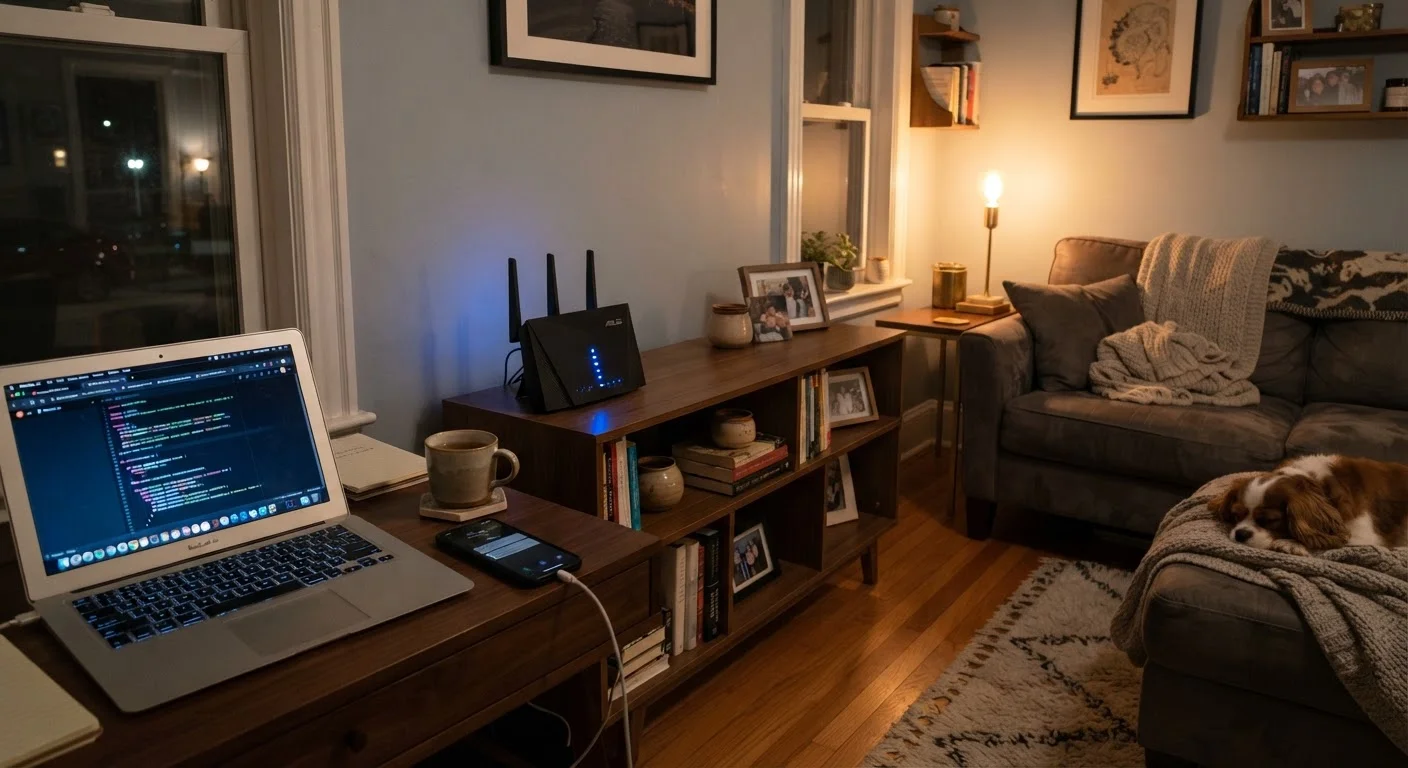
Photo: ConfiReads.com | Blogs For Inquisitive Minds editorial
Key Takeaways
- Evening slowdowns are usually caused by neighborhood-level network congestion, not your router.
- ISPs sell shared bandwidth, meaning peak-hour demand affects everyone on the same local infrastructure.
- Your router's placement and settings can amplify or reduce the impact of congestion in your home.
- Rebooting your router won't fix congestion — but scheduling heavy downloads for off-peak hours will.
- Upgrading your internet plan only helps if congestion isn't the root cause.
The Real Culprit: It's Not Just Your Router
If your internet feels noticeably slower after 7 p.m., you're not imagining it — and your router probably isn't broken. The most common explanation is something called network congestion, and it has more to do with your neighbors than your hardware.
Most home internet service in the U.S. — particularly cable and DSL — runs on shared infrastructure. Your ISP routes multiple households through the same physical lines in your neighborhood. During the day, when most people are at work or school, that capacity is lightly used. But between roughly 7 p.m. and 11 p.m., millions of households simultaneously fire up Netflix, YouTube, gaming platforms, and video calls. The available bandwidth gets divided among far more active users, and everyone's speeds drop as a result.
This is different from a problem inside your home. Advertised speeds rarely arrive at your device under ideal conditions — and during peak hours, the gap between what you're paying for and what you're getting can widen considerably.
7–11 p.m.
Typical peak congestion window for U.S. broadband
Industry analyses of broadband traffic patterns consistently identify evening hours as the period of highest residential internet demand.
~70%
Share of U.S. households using cable-based broadband
According to FCC broadband data, cable internet — which uses shared neighborhood infrastructure — remains the dominant residential technology in the United States.
Up to 50%
Potential speed reduction during peak hours on shared networks
Consumer reports and ISP disclosures have noted that shared-infrastructure customers can see speeds drop substantially during peak evening periods compared to off-peak times.
What's Happening Inside Your Home After Dark
External congestion isn't the only factor. Your home environment changes in the evening too, and those changes can compound the problem.
More devices come online simultaneously — phones, tablets, smart TVs, laptops, and game consoles all compete for your router's attention. Most routers handle this through a process called bandwidth allocation, dividing available capacity among connected devices. When ten devices are active instead of two, each one gets a smaller share.
There's also radio interference to consider. Your Wi-Fi router broadcasts on specific radio frequencies (most commonly 2.4 GHz and 5 GHz). In a densely populated neighborhood or apartment building, dozens of routers operate in the same space, and their signals can overlap and interfere with each other — a problem that's more acute when everyone's home in the evening. Router placement shapes coverage throughout your home, and poor positioning can make interference effects worse.
Try the 5 GHz Band First
How to Confirm the Problem — and What You Can Do
Before troubleshooting, confirm where the slowdown is actually happening. Run a speed test at two different times: once around 10 a.m. and once around 8 p.m. If there's a major gap — say, 80 Mbps in the morning versus 15 Mbps at night — congestion on your ISP's network is likely the cause, not anything in your home.
You can also plug a device directly into your modem with an Ethernet cable and retest. If wired speeds are similarly slow, the bottleneck is upstream. If wired speeds are strong but Wi-Fi is weak, your router or its placement is part of the problem. For broader troubleshooting steps, a logical sequence of checks can help you find and fix the real source.
Practical steps that genuinely help:
- Schedule large downloads for overnight or early morning, when bandwidth is abundant and demand is low.
- Use a wired Ethernet connection for streaming or gaming devices instead of relying on Wi-Fi.
- Switch to your router's 5 GHz band for less interference from neighboring networks (note: 5 GHz has shorter range than 2.4 GHz).
- Contact your ISP if speed tests consistently show far less than your subscribed tier during peak hours — this is worth documenting and reporting.
It's also worth understanding what upgrading your plan actually does and doesn't fix. Paying for gigabit speeds won't help if congestion is on the provider's side of the network.
“Congestion is the dirty secret of cable broadband. Customers pay for a speed tier, but what they experience depends heavily on how many of their neighbors are online at the same time.”
— Broadband Policy Researcher, Telecommunications infrastructure analyst, cited in public broadband advocacy commentary
When the Problem Is Bigger Than Your Household
Sometimes individual fixes aren't enough. If you live in an area with aging cable infrastructure or an ISP that hasn't upgraded its local nodes to meet growing demand, evening congestion may be a persistent, structural issue. In that case, the most effective options are switching providers (if alternatives like fiber optic service are available in your area) or switching to a technology type — such as fiber — that doesn't share bandwidth at the neighborhood level the way cable traditionally does.
Fiber-to-the-home connections, for example, give each customer a dedicated line rather than a shared one, which means your evening speeds aren't affected by your neighbors' usage in the same way. Availability varies widely depending on where you live, but it's worth checking whether options have expanded in your area.
Understanding that your slow evening internet is largely a network infrastructure issue — not a sign that something is wrong with your devices — puts you in a much better position to decide whether to troubleshoot, wait it out, or shop for a different service.
Frequently Asked Questions
The content on this site is for informational purposes only and is not a substitute for professional advice. Always consult a qualified professional for guidance specific to your situation.