
Devices & Gadgets

Before You Buy a New Gadget: A Pre-Purchase Checklist

Before You Buy a New Gadget: A Pre-Purchase Checklist

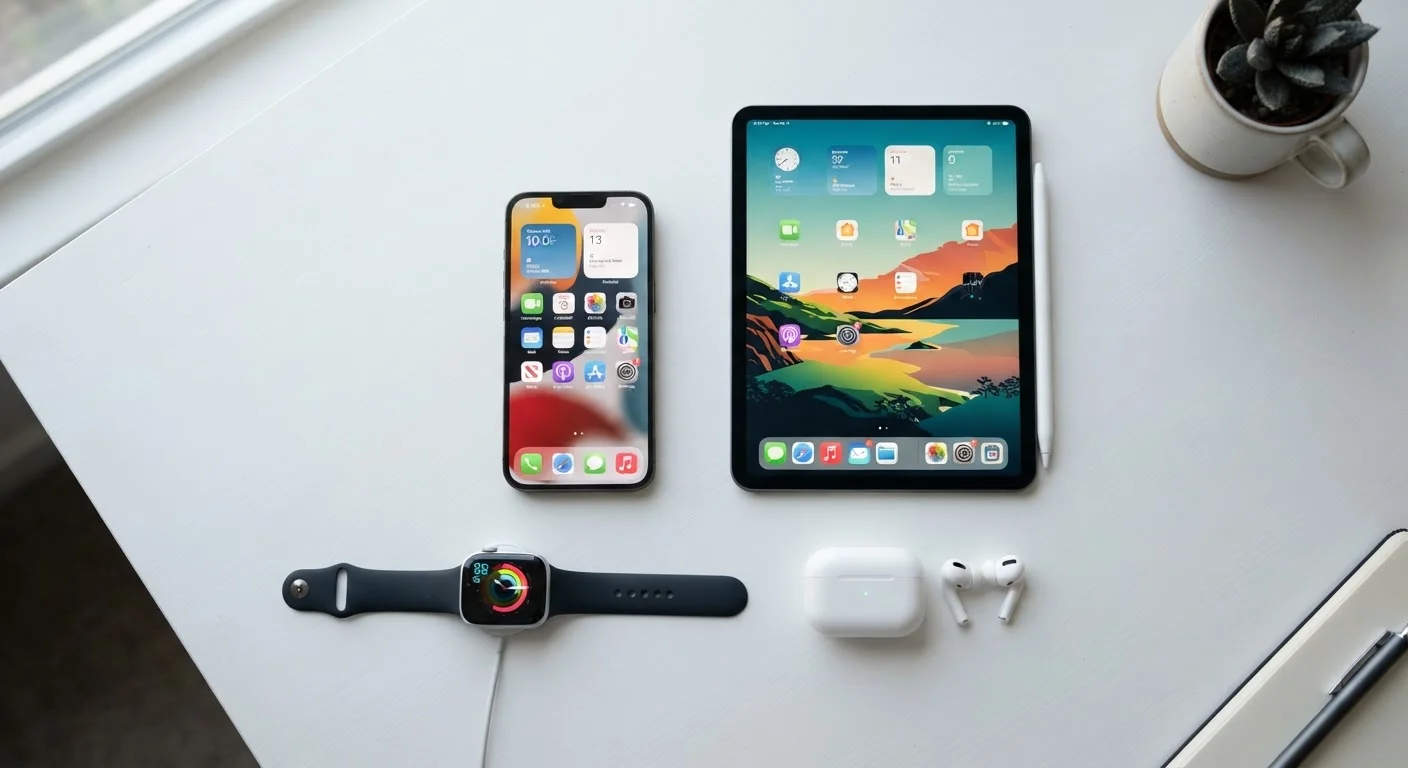
Photo: ConfiReads.com | Blogs For Inquisitive Minds editorial

Use this structured checklist to evaluate compatibility, long-term costs, privacy implications, and support before committing to a new device.

Key Takeaways

  • Checking compatibility with your existing devices before buying prevents costly surprises.
  • Long-term costs like subscriptions and accessories often exceed the device's sticker price.
  • Privacy settings and data-sharing practices vary widely between gadgets and manufacturers.
  • Warranty terms and manufacturer support quality differ significantly across brands.
  • A clear use-case test helps distinguish a genuinely useful gadget from an impulse purchase.

Why a Pre-Purchase Checklist Matters

Buying a new gadget feels exciting — but the decision carries more variables than most consumers realize at the point of sale. Between compatibility gaps, hidden subscription costs, data privacy trade-offs, and spotty support experiences, even a well-reviewed device can turn into a source of frustration within weeks of unboxing.

This checklist is designed to slow the process down just enough to ask the right questions before you commit. It applies to smartphones, tablets, smart home devices, wearables, streaming hardware, and most consumer electronics. If you're still figuring out which category of device fits your life, our beginner's guide to consumer electronics is a useful starting point.

Work through each group below before finalizing any purchase. Items marked must are non-negotiable for most buyers; should items are strongly recommended; nice to have items add value if time allows.

Defining Your Need

Write down the specific problem this device will solve or the task it will make meaningfully easier. Must
Confirm you don't already own a device that handles this need adequately. Must
Ask yourself whether you'd still want this device in six months — not just today. Should
Check whether a less expensive or lower-spec version would fully meet your actual use case. Should

Compatibility and Ecosystem

Verify the device works with your current operating system (iOS, Android, Windows, macOS) before purchasing. Must
Confirm the device connects using ports, cables, or wireless standards you already support at home. Must
Check whether key features require a specific ecosystem (e.g., Apple-only or Google-only functionality) you're not already in. Must
Review whether the device integrates with other hardware you own, such as smart speakers, routers, or streaming platforms. Should

Total Cost of Ownership

Identify all required subscriptions, cloud storage fees, or service plans beyond the purchase price. Must
Research the typical cost of required accessories (cases, chargers, replacement parts) that aren't included in the box. Must
Calculate the estimated total cost over two years, including subscriptions and accessories, not just the sticker price. Should
Check whether a refurbished or certified pre-owned version from a reputable source offers equivalent value. Nice to have

Privacy and Data Practices

Read the device manufacturer's privacy policy summary to understand what data is collected and how it's used. Must
Determine whether the device's primary features require an account or ongoing data sharing with the manufacturer or third parties. Must
Check whether the device has microphone, camera, or location access — and whether those can be disabled. Should
Look up whether the manufacturer has had notable data breaches or privacy controversies in recent years. Nice to have

Support, Warranty, and Longevity

Confirm the length and terms of the manufacturer's warranty, including what is and isn't covered. Must
Check how long the manufacturer commits to providing software updates and security patches for this device. Must
Research the availability and cost of repair options — both manufacturer-authorized and independent repair shops. Should
Read at least ten recent owner reviews that specifically address long-term reliability rather than first-impressions. Should
Determine whether an extended warranty or protection plan adds genuine value given the device's price and failure rates. Nice to have
Check whether the device can be factory reset and fully wiped if you sell or return it. Nice to have

What You'll Need to Work Through This Checklist

Most of this checklist requires nothing more than a few minutes of research and honest self-reflection. However, a handful of tools will make the process faster and more thorough.

Required

Manufacturer's product page

Confirms official specs, compatibility requirements, included accessories, and software update commitments.

Required

Retailer review aggregator (e.g., product review sections on major retail sites)

Surfaces long-term owner feedback on reliability, build quality, and real-world performance.

Optional

Spreadsheet or notes app

Tracks total cost of ownership calculations across purchase price, subscriptions, and accessories.

Required

Manufacturer privacy policy or privacy summary page

Identifies what data the device collects, how it's shared, and what controls you have.

For purchases that involve significant ongoing cost — like a device tied to a monthly subscription service — it's worth reviewing your broader budget before committing. Our guides on budgeting basics and saving and investing can help you think through whether the total cost of ownership fits your financial picture.

Common Pitfalls to Avoid

Even careful buyers fall into predictable traps. Here are the ones worth watching for specifically with consumer electronics.

Don't Mistake Launch Hype for Long-Term Value

New devices often receive glowing early reviews that don't reflect long-term durability, software stability, or support quality. Whenever possible, wait at least 60–90 days after a product launches before purchasing, so that real-world owner feedback has had time to surface. Pay particular attention to reviews that discuss the device six months or more after purchase.

Subscription Costs Can Dwarf the Device Price

A device sold at a low upfront price may require a monthly subscription to access its core features — cloud storage, premium content, or connectivity services. Always calculate the two-year total cost before comparing devices. A $50 device with a $10/month required subscription costs more than a $150 device with no recurring fees over the same period.

Smart home gadgets deserve special scrutiny before purchase. They often involve persistent data collection, third-party integrations, and hardware that becomes unsupported faster than traditional devices. Our balanced look at smart home devices covers the real-world trade-offs in detail.

If you're deciding between two device categories rather than a specific product — say, a tablet versus a laptop — run this checklist on both candidates side by side. See our guide on choosing between a tablet and a laptop for a parallel framework.

The same disciplined questioning that works here applies to other major purchase decisions. Whether you're evaluating insurance coverage or thinking through a first pet, a structured checklist consistently produces better outcomes than impulse evaluation.

Once You Agree to Terms, You're Bound by Them

Most consumer devices require accepting a terms-of-service agreement during setup. These agreements can include arbitration clauses, data-sharing consent, and limitations on your right to repair or modify the device. While reading every word of lengthy terms isn't realistic for most people, scanning the key sections on data use, dispute resolution, and warranty limitations takes only a few minutes and is worth doing before you open the box — not after.

Tech & Electronics Editorial Team

ConfiReads.com | Blogs For Inquisitive Minds

Tech & Electronics Editorial Team is the collective byline for our editorial team and contributor network. Articles published under this byline or an editorial pen name are researched, written, and reviewed according to our editorial standards for clarity, consistency, and independence before publication.

Devices & GadgetsTech Tips & How-TosInternet & Connectivity
View author profile

The content on this site is for informational purposes only and is not a substitute for professional advice. Always consult a qualified professional for guidance specific to your situation.