
Router Placement Mistakes That Quietly Kill Your Home Wi-Fi

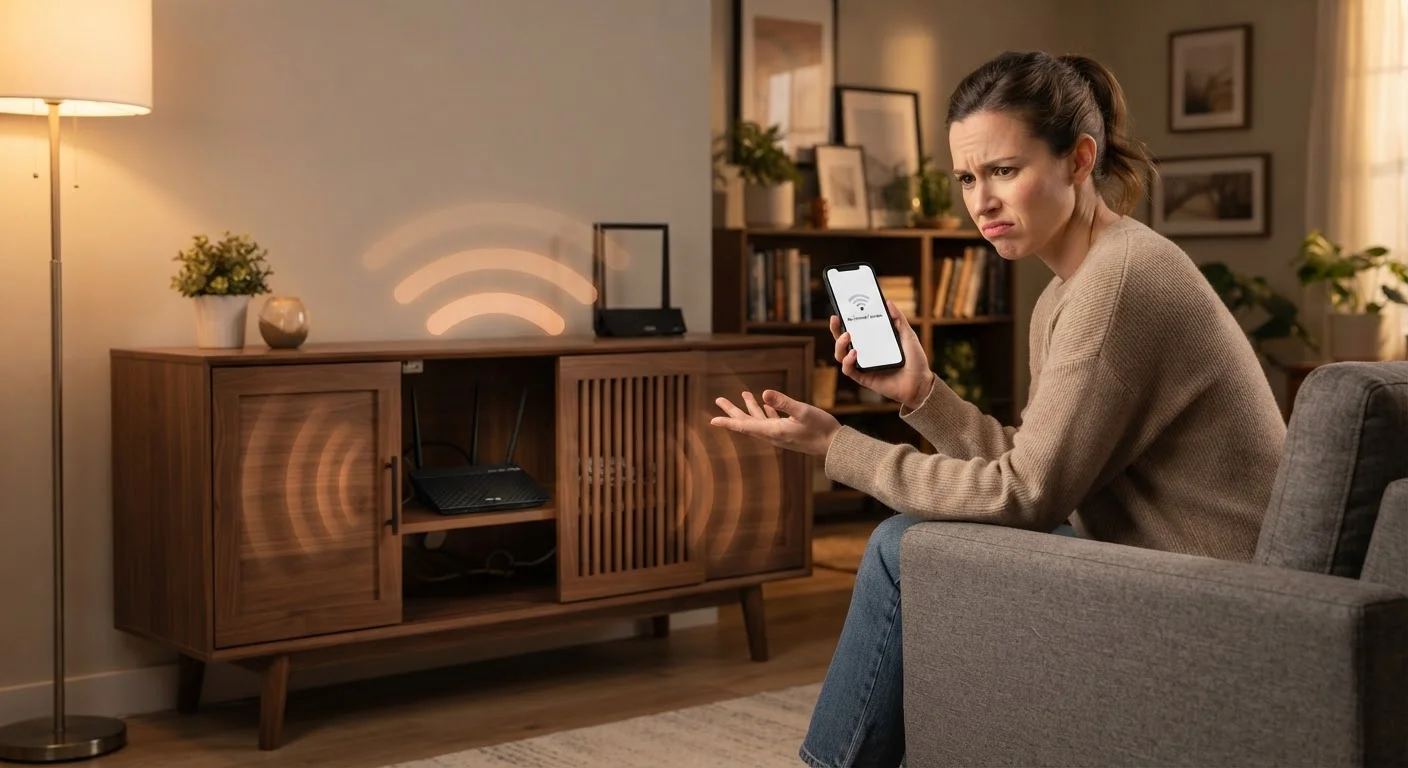
Photo: ConfiReads.com | Blogs For Inquisitive Minds editorial
Key Takeaways
- Router placement has a bigger impact on Wi-Fi speed and reliability than most people expect.
- Physical obstructions like walls, appliances, and cabinets can cut signal strength dramatically.
- Centering your router in the home and elevating it off the floor improves coverage significantly.
- Interference from other household devices is a hidden and easily corrected cause of slow Wi-Fi.
- Fixing placement mistakes is free and often more effective than upgrading your internet plan.
Why Router Location Is the First Thing to Check
Most people troubleshoot slow or spotty Wi-Fi by restarting the router or calling their internet provider. Both are reasonable steps — but placement is often the actual culprit, and it costs nothing to fix. Your router broadcasts wireless signals in all directions, and those signals weaken every time they pass through a wall, a floor, or a physical object in their path.
Understanding this basic principle changes how you think about setup. A router isn't just a box you plug in once and forget. It's an antenna system, and where you put it determines how much of your home it can reach effectively. For a broader look at how everything connects, see our home networking guide.
Placement Fixes Before You Upgrade
The Most Common Placement Mistakes — and How to Fix Them
The mistakes below happen in homes across the country, regardless of how expensive the router is or how fast the internet plan is. If you're experiencing weak signal, dead zones, or devices that keep disconnecting, one of these is likely the cause. You can also check our Wi-Fi troubleshooting walkthrough if you're dealing with persistent dropouts alongside placement issues.
Hiding the router inside a cabinet or entertainment center.
Placing the router on the floor or in a basement corner.
Positioning the router at one end of the home, far from where devices are used most.
Setting the router directly next to a microwave, cordless phone base, or baby monitor.
Pointing router antennas straight up when the router is on a low surface.
Placing the router directly against a thick exterior wall or behind a large mirror.
Avoid Placing Routers Near These Appliances
When Placement Alone Isn't Enough
Correcting your router's position solves the problem for most households. But if your home is very large, has an unusual layout, or contains multiple thick-walled rooms, a single router placed perfectly may still leave dead zones. In those cases, a Wi-Fi extender or a mesh network system may genuinely help — but it's worth ruling out placement as the cause first, since adding hardware to a poorly placed router just spreads the problem further.
It's also worth separating placement issues from internet plan limitations. Many households believe they need faster speeds when they actually need better signal distribution. Our breakdown of internet speed myths explains which performance problems a faster plan actually solves — and which ones it doesn't. Visit the Internet & Connectivity hub for more guides on getting reliable performance from your home network.
~30%
Signal loss through a single interior wall
Wi-Fi signal attenuation studies consistently show that even standard drywall interior walls can reduce signal strength by roughly 30%, with concrete and brick walls reducing it far more.
2x
Coverage improvement from optimal router height
Networking engineers frequently demonstrate that raising a router from floor level to mid-room height can roughly double its effective coverage area in multi-room homes.
The content on this site is for informational purposes only and is not a substitute for professional advice. Always consult a qualified professional for guidance specific to your situation.