
What Mbps Actually Means — and How Much Your Household Needs

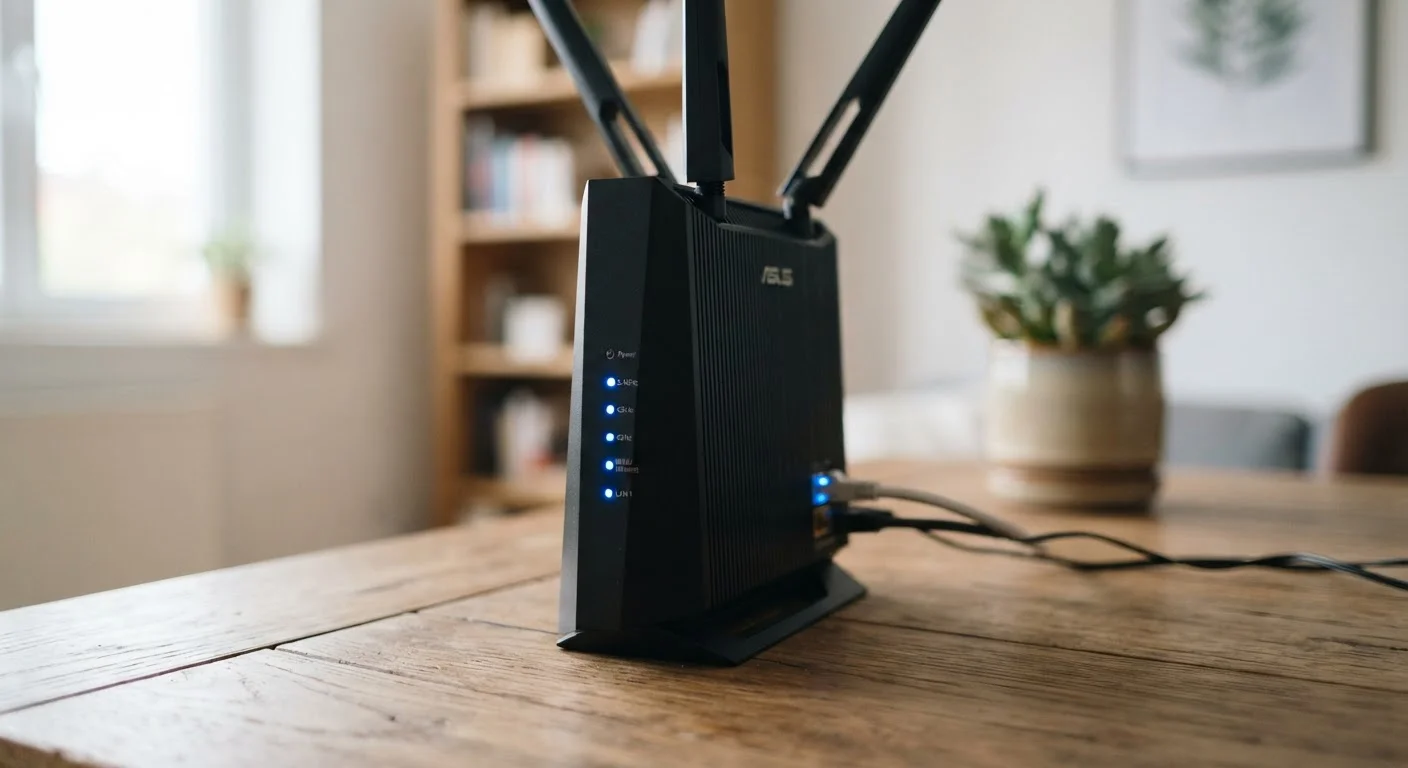
Photo: ConfiReads.com | Blogs For Inquisitive Minds editorial
What Mbps Actually Means
When your internet provider advertises a plan as "200 Mbps," that number describes bandwidth — specifically, how much data can travel across your connection per second. Mbps stands for megabits per second. One megabit equals one million bits, which are the tiny binary signals (0s and 1s) that make up all digital information.
It's worth noting the distinction between megabits and megabytes. File sizes on your computer are measured in megabytes (MB), while internet speeds are measured in megabits (Mb). Since there are 8 bits in a byte, a 100 Mbps connection can theoretically download about 12.5 MB of data per second — which is why a 500 MB file doesn't download in 5 seconds on a "100 Mbps" plan.
Most plans advertise download speed prominently because that's what most households use most: streaming video, loading websites, receiving files. Upload speed — how fast data travels from your home outward — matters more when you're video calling, live streaming, or backing up files to the cloud. Many cable plans offer asymmetric speeds (e.g., 300 Mbps down, 20 Mbps up), while fiber plans more commonly offer symmetrical speeds. Learn more about how these plan types compare in our plain-language breakdown of home internet plan types.
| What Mbps stands for | Megabits per second |
| Bits in one byte | 8 bits |
| Minimum FCC broadband threshold | 25 Mbps download / 3 Mbps upload (FCC, as of 2015 definition; 2024 proposed update raises this to 100/20 Mbps) |
| Typical 4K stream requirement | ~25 Mbps per stream (Netflix recommendation) |
| Typical HD video call requirement | ~3–4 Mbps upload (Zoom guidelines) |
| Average US home internet speed | Approx. 240 Mbps download (Ookla Speedtest Global Index, 2023) |
How Much Speed Your Household Actually Needs
The right speed tier depends on two things: how many people are online simultaneously and what they're doing. Every active device draws from the same bandwidth pool — a smart TV streaming 4K, a laptop on a video call, and a gaming console downloading an update all compete for the same connection at once.
25+
Connected devices in an average US home
According to Deloitte's Digital Media Trends survey, the average American household connects more than 25 devices to the internet.
~25 Mbps
Bandwidth needed per 4K stream
Netflix recommends at least 25 Mbps for a single Ultra HD (4K) stream, meaning multiple 4K screens multiply that demand.
100/20 Mbps
FCC proposed new broadband baseline
The FCC proposed raising its definition of broadband from 25/3 Mbps to 100/20 Mbps to reflect modern household usage patterns.
Here's a practical breakdown by household size and usage:
- 1–2 people, light use (browsing, social media, occasional streaming in HD): 25–50 Mbps is generally sufficient.
- 2–4 people, moderate use (multiple HD streams, remote work, some video calls): 100–200 Mbps provides comfortable headroom.
- 4+ people or heavy users (4K streaming on multiple screens, gaming, large file transfers, smart home devices): 300–500 Mbps or more helps prevent slowdowns during peak hours.
- Power users or home offices with many simultaneous demands may benefit from gigabit (1,000 Mbps) plans — though it's worth understanding common speed myths before upgrading, since a faster plan won't fix router or Wi-Fi issues.
Don't forget smart home devices — thermostats, security cameras, video doorbells, and smart speakers each draw a small but real slice of bandwidth. A home with 15+ connected devices should budget accordingly. For a complete look at how all these pieces fit together, see our comprehensive home networking guide.
Speed at the Router vs. Speed at Your Device
The content on this site is for informational purposes only and is not a substitute for professional advice. Always consult a qualified professional for guidance specific to your situation.