
Two-Factor Authentication: What It Does and Why Skipping It Is Risky

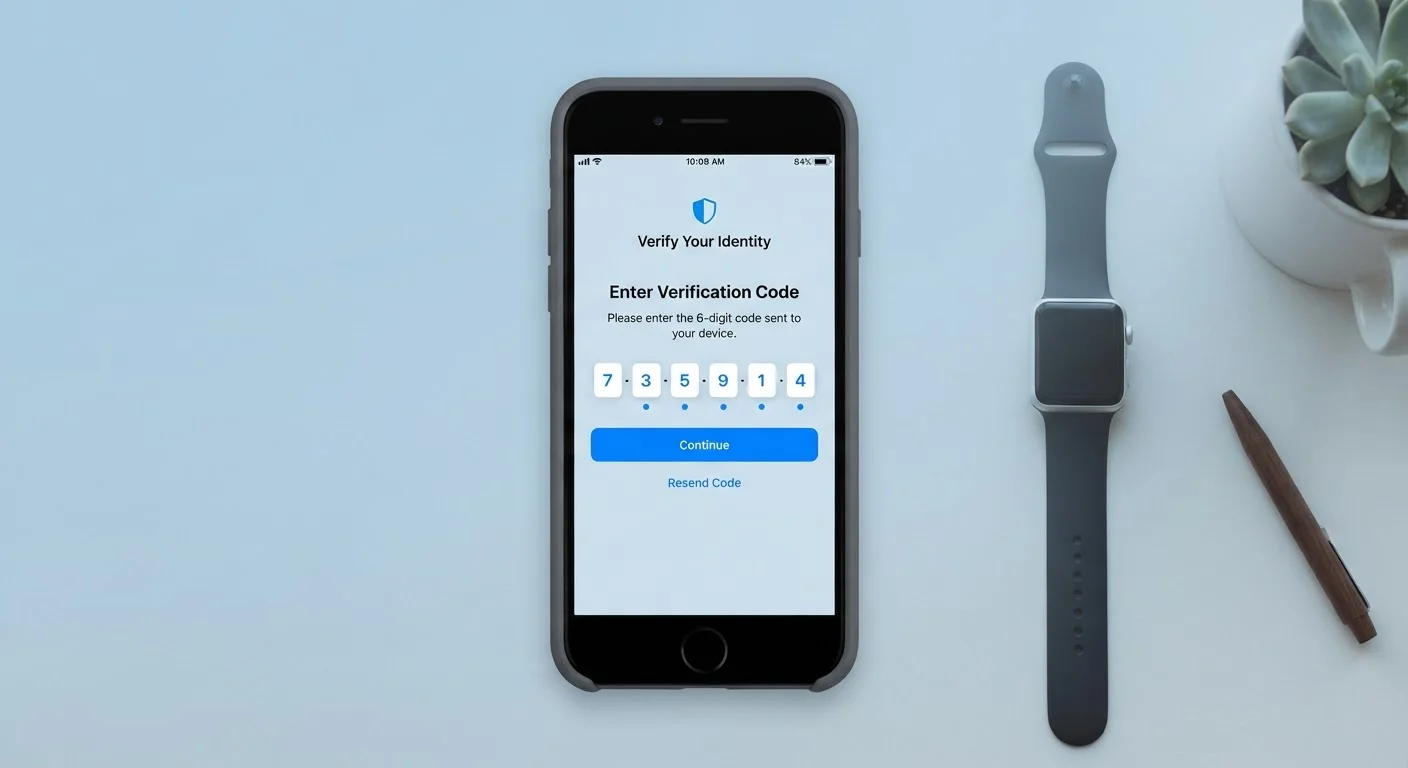
Photo: ConfiReads.com | Blogs For Inquisitive Minds editorial
Key Takeaways
- Two-factor authentication requires a second proof of identity beyond your password.
- It significantly reduces the risk that a stolen password alone compromises your account.
- Common 2FA methods include SMS codes, authenticator apps, and hardware keys.
- Authenticator apps are generally more secure than SMS text codes.
- Most major platforms — email, banking, social media — support 2FA and it takes minutes to set up.
The Lock-and-Key Problem With Passwords Alone
A password is essentially a shared secret — you know it, and so does the website. The problem is that passwords routinely get stolen in ways that have nothing to do with how careful you are. Data breaches expose millions of credentials at once, and phishing emails trick even tech-savvy people into handing them over. Once an attacker has your password, a single lock between them and your account is all that stands in the way.
Two-factor authentication solves this by adding a second, independent lock. Even with your password in hand, an attacker also needs access to something only you physically possess — your phone, for example — to complete the login. That combination makes unauthorized access dramatically harder.
For a deeper look at building strong passwords alongside 2FA, see our guide to passwords vs. passphrases.
80%+
Of breaches involving stolen credentials
According to Verizon's Data Breach Investigations Report, the majority of hacking-related breaches exploit weak or stolen passwords, underscoring why a second factor matters.
99.9%
Of automated account attacks blocked by MFA
Microsoft has reported that enabling multi-factor authentication blocks the vast majority of automated credential-based attacks on accounts.
How the Three Main Types of 2FA Work
Not all two-factor authentication is identical. The method you use affects both convenience and how much protection you actually get.
- SMS text codes: After entering your password, the site sends a six-digit code to your phone via text. You enter it to finish logging in. It's widely supported and easy to set up, but text messages can be intercepted through a technique called SIM swapping, where a scammer convinces your carrier to redirect your number.
- Authenticator apps: Apps like Google Authenticator or Microsoft Authenticator generate time-limited codes directly on your device — no text message required. Because the code never travels over a phone network, it's much harder to intercept. This is the approach most security professionals recommend for everyday use.
- Hardware security keys: A small physical device — often a USB dongle — that you plug in or tap to verify your identity. This is the strongest form of 2FA and is virtually immune to phishing, but it's most practical for people protecting high-value accounts or working in environments with elevated security needs.
Start With an Authenticator App
What Happens When You Skip It
Skipping 2FA leaves your accounts relying entirely on password security — and that's a fragile position. Security researchers consistently find that credential stuffing attacks (using leaked username-and-password pairs from one breach to try logging into other services) succeed at a meaningful rate simply because people reuse passwords across accounts.
Your email account deserves particular attention. If an attacker gains access to your inbox, they can trigger "forgot my password" resets on nearly every other service you use — banking, shopping, social media — because those reset links go directly to your email. Protecting your email with 2FA is one of the highest-leverage security moves available to everyday users.
For a broader checklist of security habits, see our article on keeping your devices secure. And if you want to extend that protection to your home network, our guide on keeping your home network secure covers the practical steps that actually make a difference.
Setting Up 2FA: Simpler Than You Might Expect
Most major platforms — Gmail, Apple ID, Facebook, your bank — have 2FA built in and accessible through account security settings. The general process looks like this:
- Go to your account's Security or Privacy settings.
- Look for an option labeled Two-Factor Authentication, Two-Step Verification, or Login Verification.
- Choose your preferred method — an authenticator app is the recommended starting point for most people.
- Follow the on-screen prompts, which usually involve scanning a QR code with the authenticator app.
- Save the backup codes the site provides and store them somewhere secure, such as a printed note kept offline or a password manager.
The entire process typically takes five to ten minutes per account. Start with your email and banking logins, then work through other services as time allows. A small investment of setup time provides ongoing protection that works silently in the background every time you log in.
Frequently Asked Questions
The content on this site is for informational purposes only and is not a substitute for professional advice. Always consult a qualified professional for guidance specific to your situation.