
Spreadsheet vs. Budgeting App: Which Approach Actually Works?

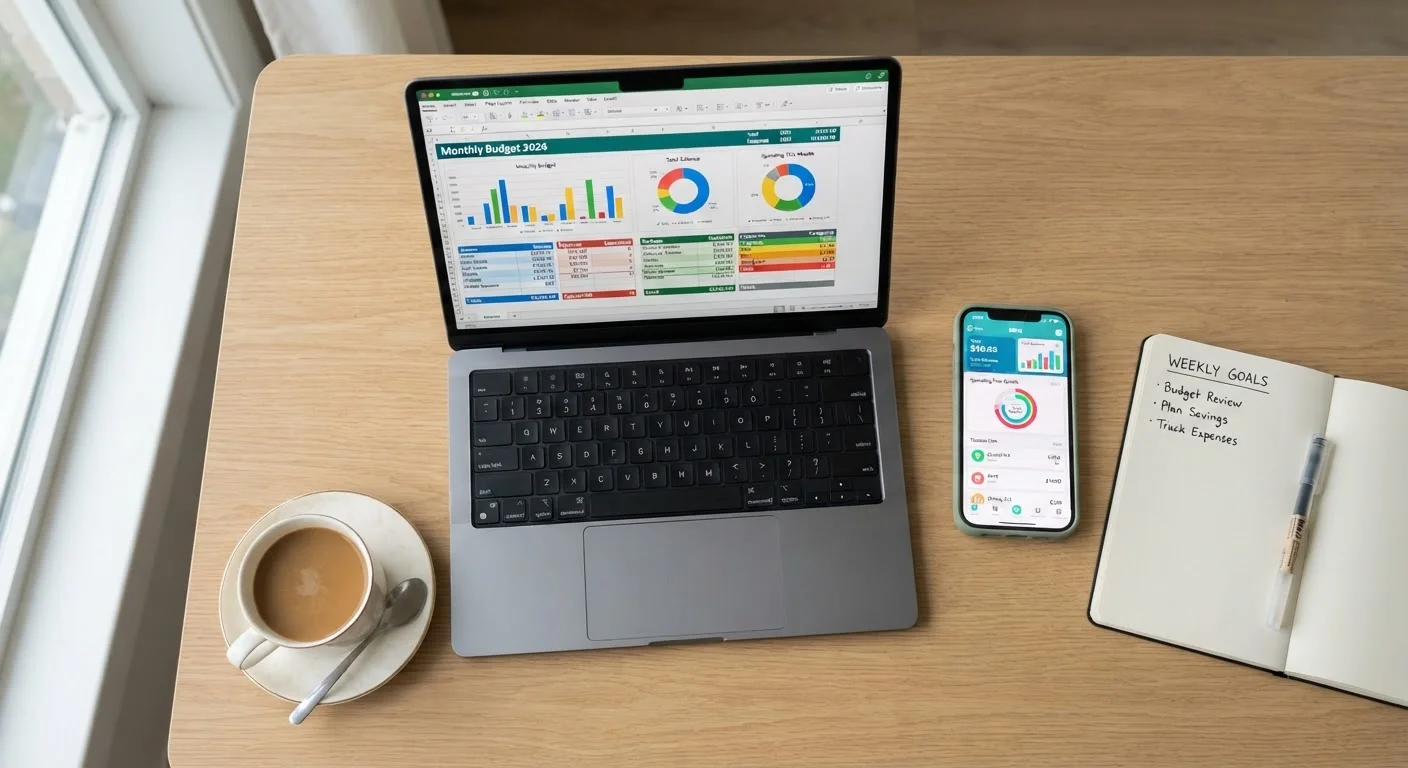
Photo: ConfiReads.com | Blogs For Inquisitive Minds editorial
Key Takeaways
- Spreadsheets offer maximum flexibility and customization but require consistent manual effort.
- Budgeting apps automate transaction syncing but may carry subscription costs and privacy trade-offs.
- The best budgeting tool is the one you'll actually use consistently every month.
- Habit and routine matter more than which platform you choose.
- Both methods can work alongside broader financial goals like saving and debt paydown.
The Core Trade-Off: Control vs. Convenience
At its heart, the spreadsheet-vs.-app debate comes down to a single question: do you want to build your budget from scratch, or let software do most of the heavy lifting? Both approaches can lead to the same destination - a clearer picture of where your money goes - but the journey looks very different.
A spreadsheet (Google Sheets, Microsoft Excel, or a free template) gives you a blank canvas. Every category, formula, and layout is yours to define. A budgeting app like YNAB, Mint, or Copilot connects to your bank accounts, categorizes transactions automatically, and surfaces insights through dashboards. You trade customization for speed.
If you're starting from zero, our step-by-step first-budget guide covers the foundational concepts that apply regardless of which tool you pick.
| Spreadsheet | Budgeting App | |
|---|---|---|
| Cost | Free (Excel/Sheets) | Often $8-$15/month |
| Setup time | High - built manually | Low - guided onboarding |
| Customization | Unlimited | Limited to app features |
| Transaction logging | Manual entry required | Automatic bank sync |
| Data privacy | Data stays local | Shared with third party |
| Spending awareness | High - friction builds attention | Lower - passive automation |
| Mobile experience | Limited unless optimized | Purpose-built mobile apps |
| Best for | Detail-oriented, disciplined users | Busy, automation-preferring users |
The Case for Spreadsheets
Spreadsheets have been the default budgeting tool for decades - and for good reason. They are free, endlessly customizable, and don't require handing your bank login to a third party. Users with irregular income, multiple income streams, or unusual expense categories often find that a spreadsheet adapts better than any pre-built app.
The act of manually entering transactions also creates a psychological benefit: you feel every dollar move. Research in behavioral economics consistently suggests that friction - even small amounts of it - increases awareness. When you type in that $47 restaurant charge, you notice it in a way that an automated app entry may not trigger.
The downside is real, though. A spreadsheet demands discipline. Miss a week of data entry and your budget becomes fiction. It also offers no reminders, no alerts when you overspend a category, and no mobile-friendly interface unless you build one yourself.
Start With a Template, Not a Blank Sheet
The Case for Budgeting Apps
Budgeting apps remove the biggest obstacle most people face: remembering to log expenses. By syncing directly with bank and credit card accounts, they keep your budget current with minimal effort. For people with packed schedules, that automation can be the difference between maintaining a budget and abandoning it by February.
Apps also excel at visualization. Pie charts, spending trends, and category breakdowns are built in, making it easier to spot patterns - like noticing that your "miscellaneous" spending quietly doubled over three months.
The trade-offs deserve honest scrutiny, however. Many capable apps carry monthly or annual subscription fees ranging from roughly $8 to $15 per month, which adds up. Data privacy is a legitimate concern: connecting financial accounts to third-party platforms involves risk, and users should review any app's security practices and data-sharing policies before signing up. Additionally, automation can create passive engagement - you see the data but don't feel it the same way you do when entering it yourself.
The automation parallel is worth considering: just as automating your investments reduces friction but can also reduce engagement, budgeting apps make compliance easier while potentially dulling awareness.
~32%
Americans who use a written or digital budget
Gallup polling has consistently found that fewer than a third of Americans maintain a detailed household budget, highlighting how much room there is for improvement regardless of tool.
$144-$180
Typical annual cost of a premium budgeting app
At roughly $12-$15 per month, subscription-based apps represent a real recurring expense that should itself appear as a budget line item.
What Actually Determines Success
The uncomfortable truth is that the tool matters far less than the habit behind it. A meticulously built spreadsheet that gets opened twice a year will underperform a simple app checked for five minutes every Sunday morning. Consistency, not software sophistication, drives budgeting success.
This is why understanding your own behavioral patterns before choosing a tool is so important. If you know you won't do manual data entry, a spreadsheet is likely to fail you - not because the tool is flawed, but because it doesn't fit how you work. Conversely, if you need to feel in control and distrust handing your credentials to a third-party service, an app may create anxiety that undermines your motivation.
Our piece on the habit loops behind successful budgeters explores why routine and environment shape financial behavior more than any single tool choice. Pairing either method with a monthly reset checklist helps turn budgeting from a chore into a reliable system.
It's also worth noting that tracking where money goes is only one part of a healthy financial picture. Understanding how to handle debt and credit is equally important - and both spreadsheets and apps can support that goal through clear visibility into recurring debt payments.
Don't Let Tool-Switching Become Avoidance
The content on this site is for informational purposes only and is not a substitute for professional advice. Always consult a qualified professional for guidance specific to your situation.